
How to Create a Shared Family Photo Album Across Australia: A Digital Guide
Quick answer: The easiest way to create a shared family photo album across Australia is to use a cloud-based app — Google Photos, iCloud Shared Albums, or Frameo — where every family member can upload photos in real time. For a physical, always-on display that updates automatically, pair it with a LuvLink Digital Photo Frame.
Australia is a big country. Perth to Sydney alone is a four-hour flight. Families get scattered — kids head to uni interstate, parents retire to the coast, grandparents stay put in the family suburb. Everyone's taking photos on their phones, but here's what actually happens to most of them: your mum screenshots a WhatsApp photo to send it to your aunt, who screenshots it to send to your grandad. By the time it arrives it's a blurry JPEG of a JPEG — and half the family still missed it. This guide walks you through how to actually fix that.
Why a Shared Family Photo Album Across Australia Matters
It's not really about the photos. It's about the feeling of being looped in — knowing your sister's baby took her first steps, seeing your parents' garden in bloom, watching your nephew dressed up for Book Week. When family members live hours apart, those small daily moments are exactly what gets lost first.
A shared album closes that gap without anyone needing to remember to send a text. By Sunday morning, your brother in Cairns has already added three photos of the kids at the beach you hadn't seen yet — no group chat required, no quality lost in a chain of screenshots.

“Love using my frameo with family to share our photos of travel and old pictures on a slideshow.”
How to Create a Shared Family Photo Album Across Australia: Your Options
There's no one-size-fits-all answer here. The right tool depends on how tech-savvy your family is, which devices they use, and whether you want photos to end up somewhere physical or purely digital.
Google Photos Shared Albums
If your family is a mix of Android and iPhone users (which most Australian families are), Google Photos is the most practical starting point. Create a shared album, invite family members via email or link, and anyone can add photos directly. You can even enable "partner sharing" so selected photos upload automatically — no manual step required. Free up to 15 GB per account — but that limit fills faster than most families expect once anyone starts uploading videos. A year of birthday clips and holiday footage can eat through it quickly, so either nominate one person to manage the account storage or budget for a Google One plan early.
iCloud Shared Albums
If everyone in the family uses an iPhone or Mac, Apple's Shared Albums inside the Photos app is incredibly simple. Tap a photo, tap the share icon, add it to a shared album. Family members get a notification and can like or comment. The catch: it's Apple-only. If Grandma has an Android, she's out — full stop, no workaround.
Frameo App (for Digital Photo Frames)
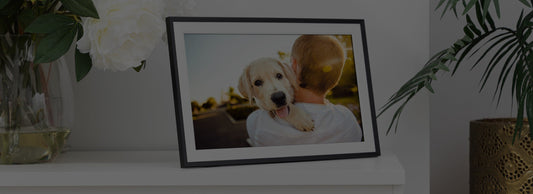
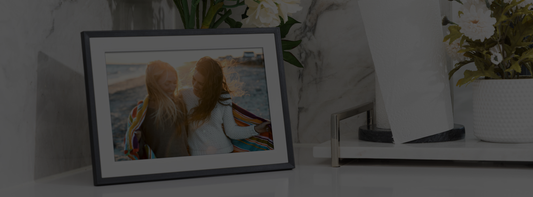
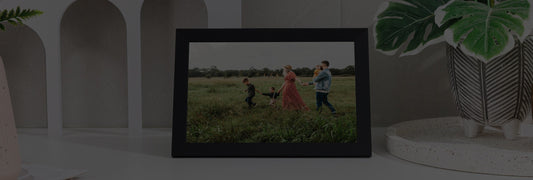
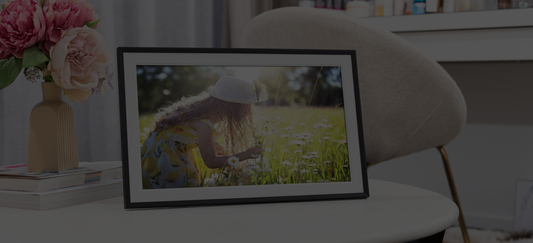
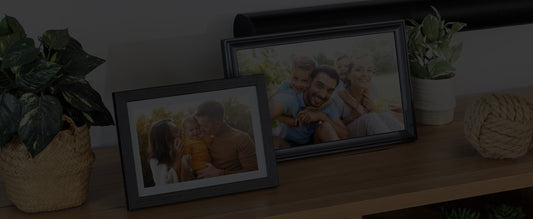
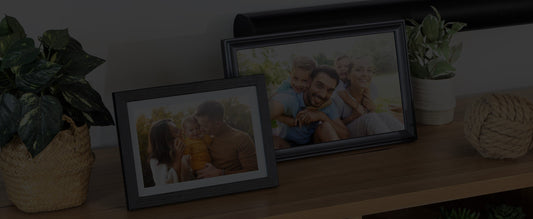
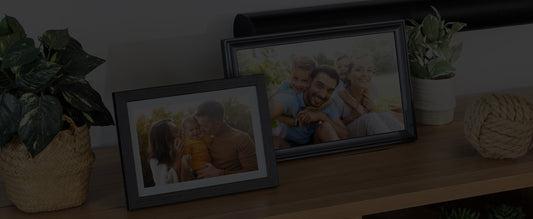
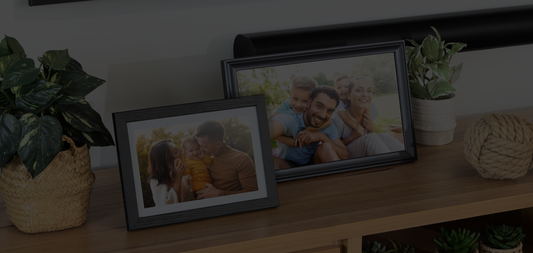
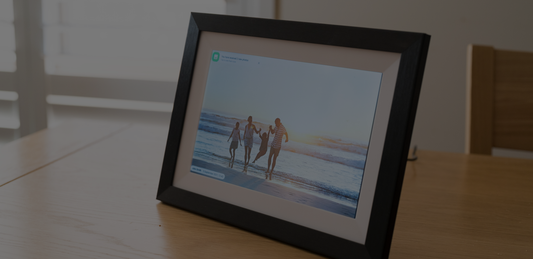
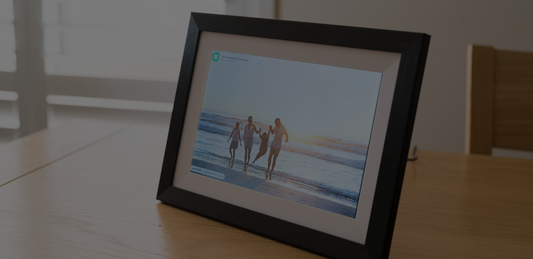
Frameo is a dedicated photo-sharing app designed to work with smart digital photo frames — including the LuvLink Digital Photo Frame. Family members download the free Frameo app, connect to the frame using a unique code, and can send photos directly to the screen from anywhere in Australia (or the world). No shared account needed — just the app on their phone.
One real limitation to flag: the frame needs a stable home Wi-Fi connection to receive photos. For grandparents in regional or rural areas where the NBN connection drops regularly, it's worth checking their internet reliability before gifting one — or pairing it with a mobile Wi-Fi device as a backup.
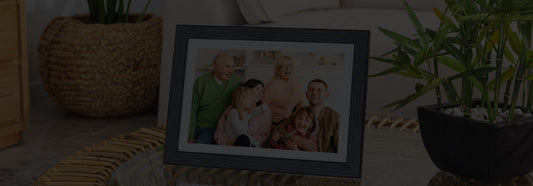
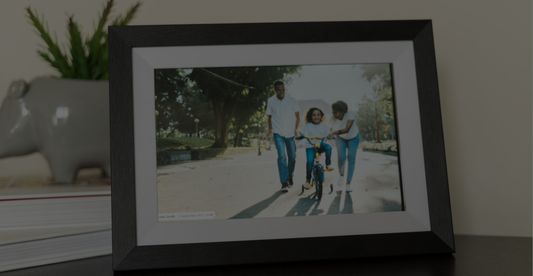
Instead of photos sitting in an album nobody opens, they appear on a real screen in someone's lounge room — automatically, in a rotating slideshow. Your 78-year-old grandmother doesn't open apps. But she walks past the frame on her hallway table six times a day — and every time there's a new photo, she calls whoever sent it.
WhatsApp or Facebook Groups
Be honest: most Australian families already share photos in a WhatsApp group. It works, it's instant, and everyone's already there. The downside is that photos get buried under messages, quality degrades with every screenshot-and-forward, and there's no curated album to look back on. Use it as a supplement, not a system.
What Makes a Digital Photo Frame Shared Album Different?
Apps keep photos on a screen you have to pick up and unlock. A digital photo frame shared album puts those photos on the wall — cycling through automatically, always visible, no interaction required. For older family members who aren't scrolling through apps, this matters enormously.
The LuvLink Digital Photo Frame works through the Frameo app. Here's how the setup actually goes:
- Plug in and connect the frame to your home Wi-Fi.
- The frame generates a unique pairing code.
- Share that code with family members.
- They download the free Frameo app and enter the code.
- Anyone in the family can now send photos directly to the frame — from anywhere.
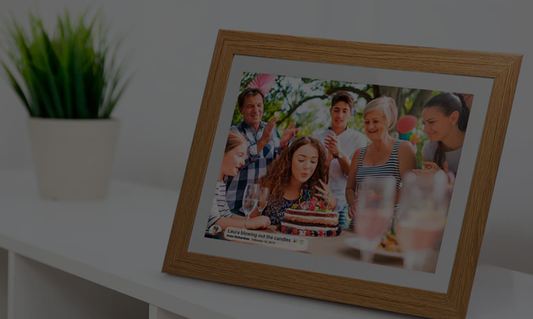
The photos arrive on the frame within seconds. No cables, no emails, no printing. Your mum in Melbourne can send a photo of your nephew's birthday cake to a frame sitting on a shelf in Brisbane before the candles are even out.
In practice, most families get the most mileage from Google Photos auto-backup plus a frame in the kitchen — setup takes about 20 minutes and you won't need to touch it again. The frame pulls in whatever the family sends; Google Photos catches everything else in the background.
Is it easy enough for grandparents to use?
Yes — that's the whole point. The person who receives photos on the frame doesn't have to do anything after the initial setup. The frame just runs. Family members who send photos use the Frameo app, which is as simple as picking a photo and tapping send. If a grandparent can send a text message, they can send a photo to the frame.
Choosing the Right LuvLink Digital Photo Frame for Your Family
The LuvLink Digital Photo Frame comes in three sizes and several frame styles. Here's a breakdown of every real size-and-style combination available, so you can find the right fit for the room it's going in.
| Size | Style | Best for |
|---|---|---|
| 10.1" | White Wood | Bedside tables, home offices, light-toned interiors |
| 10.1" | Black Wood | Bedside tables, shelves, darker or eclectic décor |
| 10.1" | Black Modern | Contemporary apartments, minimalist spaces |
| 10.1" | White Classic | Kitchens, family rooms, traditional homes |
| 10.1" | Black Classic | Versatile; suits almost any room |
| 10.1" | Black LED | Statement pieces; darker rooms where the display pops |
| 15.6" | White Wood | Living rooms, feature walls, open-plan spaces |
| 15.6" | Black Modern | Larger contemporary rooms, gallery-style displays |
| 15.6" | Black Classic | Formal living rooms, hallways, dining rooms |
| 21.5" | Black Classic | Large living areas, statement family displays |
The 10.1" is the most popular starting point — compact enough for a bedside table or kitchen bench, big enough to show photos beautifully. If you're gifting one to grandparents, the 15.6" White Wood in the lounge room makes an impact they'll talk about every time you visit.
For a deeper look at what to consider before buying, the Best Digital Photo Frames in Australia buyer's guide covers everything worth knowing.
Tips for Keeping Your Shared Family Photo Album Across Australia Actually Alive
The most common reason family photo-sharing falls apart isn't technology — it's habit. Here's what actually keeps a shared album active long-term:
- Start a low-effort tradition. Something as simple as "Sunday photo drop" — one photo from wherever you are, every Sunday — keeps the album humming without feeling like a chore.
- Include everyone, not just the photographer. Make sure every adult family member is set up to send photos, not just the one person who normally takes them.
- Don't curate too hard. Candid photos of everyday life — a messy kitchen, a dog asleep on the couch, a backyard BBQ — are often the ones people treasure most years later.
- Add captions where it helps. Frameo supports captions. A simple "Port Douglas, June" turns a lovely photo into a memory with context.
- Set the frame somewhere it gets seen. On a shelf nobody walks past, it won't have much impact. In the kitchen or lounge room, it becomes part of daily life.
What About Families Spread Even Further?
Some Australian families aren't just spread across states — they're spread across continents. If you have family overseas or a family member living abroad, the Frameo system works exactly the same way internationally. Distance genuinely doesn't change how photos arrive on the frame.
For families who want something beyond photos — a way to send a silent, wordless "thinking of you" across the distance — a LuvLink Friendship Lamp does something a photo album can't. Touch it and the connected lamp on the other side of the country (or the world — the same lamp is loved by long-distance families using the LuvLink Friendship Lamp in the US) glows your chosen colour. No message, no call needed — just light that says "I'm here." If you're shopping for someone who's recently relocated, the best gifts for someone homesick in Australia guide has more ideas worth reading.
And if you're thinking about how to stay more meaningfully connected with older parents who live far away, the guide to staying connected with ageing parents goes into real detail on what actually works.

“I love it, photos in real time. Much better than photo albums that I never get out.”
Frequently Asked Questions
Can multiple family members send photos to the same digital photo frame?
Yes. With the Frameo app, you can connect multiple people to a single frame — each family member gets access using the frame's unique pairing code. Everyone can send photos independently, so the frame becomes a genuinely shared display rather than one person's feed.
Do you need Wi-Fi to use a digital photo frame shared album?
The frame itself needs Wi-Fi to receive new photos. Once connected, incoming photos download automatically. The person sending photos just needs their phone's mobile data or Wi-Fi — the frame handles the rest.
What's the difference between a Frameo album and Google Photos for sharing with family?
Google Photos keeps everything in an app that someone has to actively open. A Frameo-connected digital photo frame displays photos passively on a physical screen — no one needs to unlock anything or remember to check an album. For grandparents or less tech-savvy family members, the frame is far more accessible.
How many photos can a LuvLink Digital Photo Frame hold?
The frame stores a generous number of photos locally, and you can manage and delete photos via the Frameo app to keep the slideshow fresh. For the full technical details, check the Digital Photo Frame product page.