


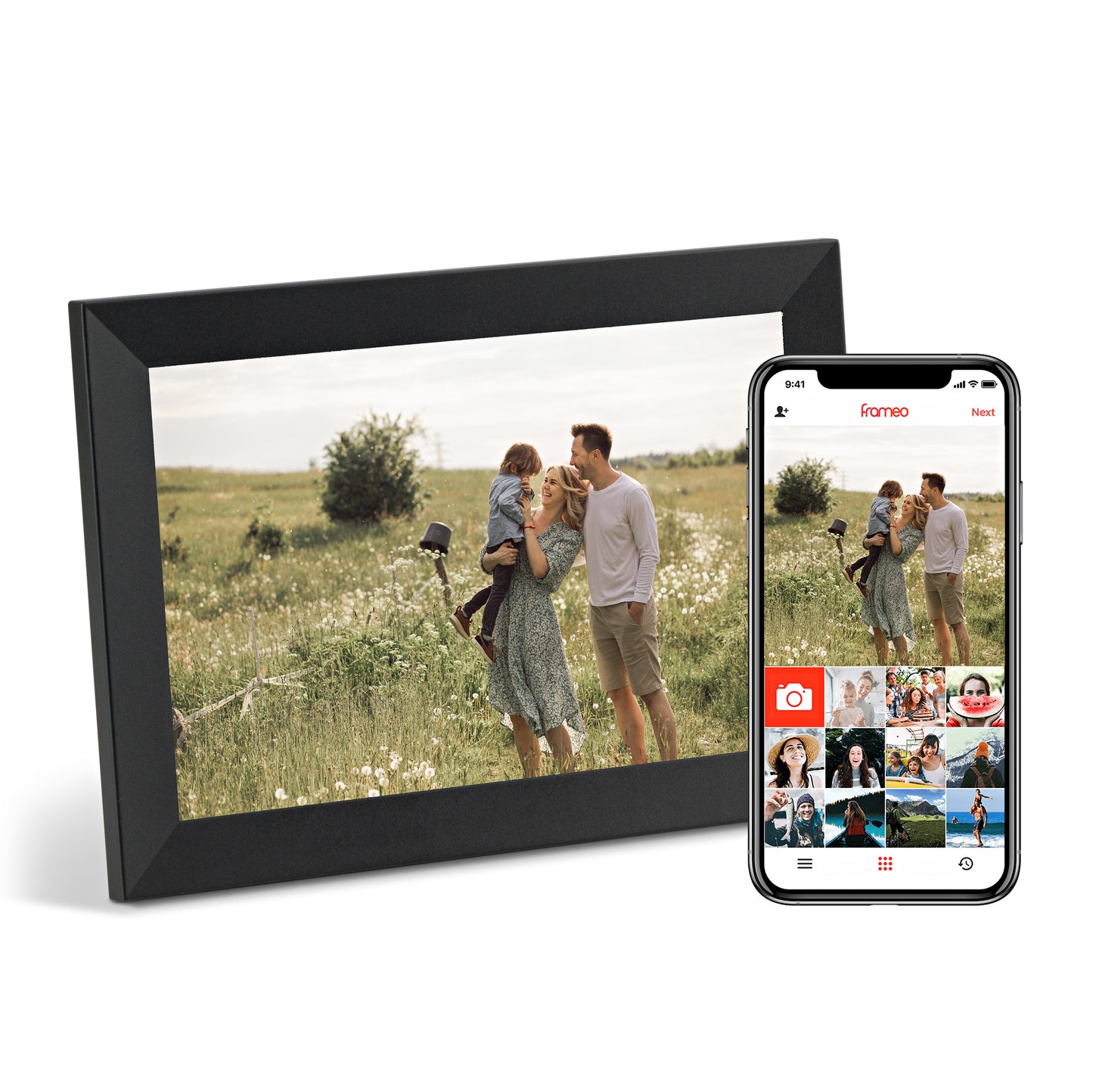
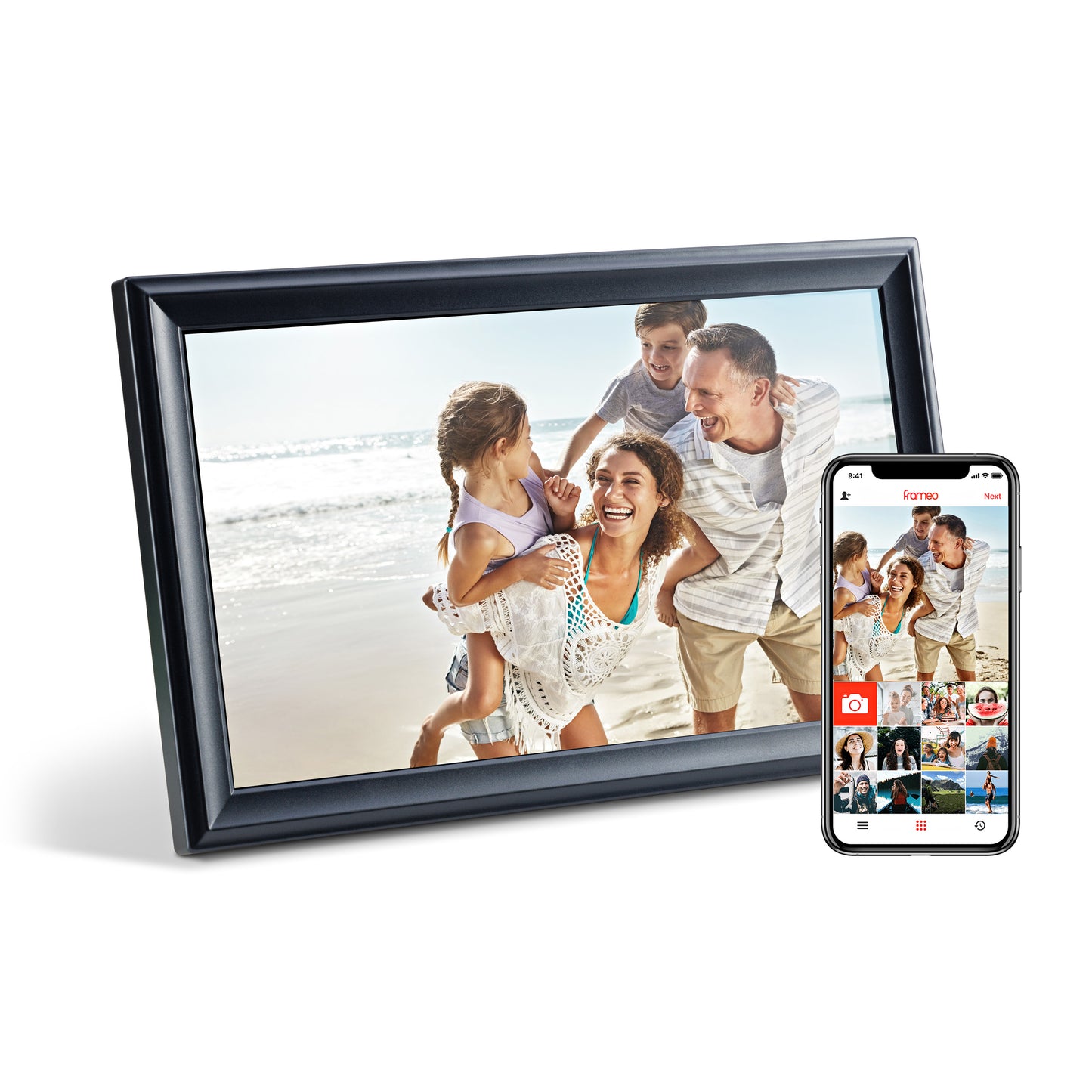
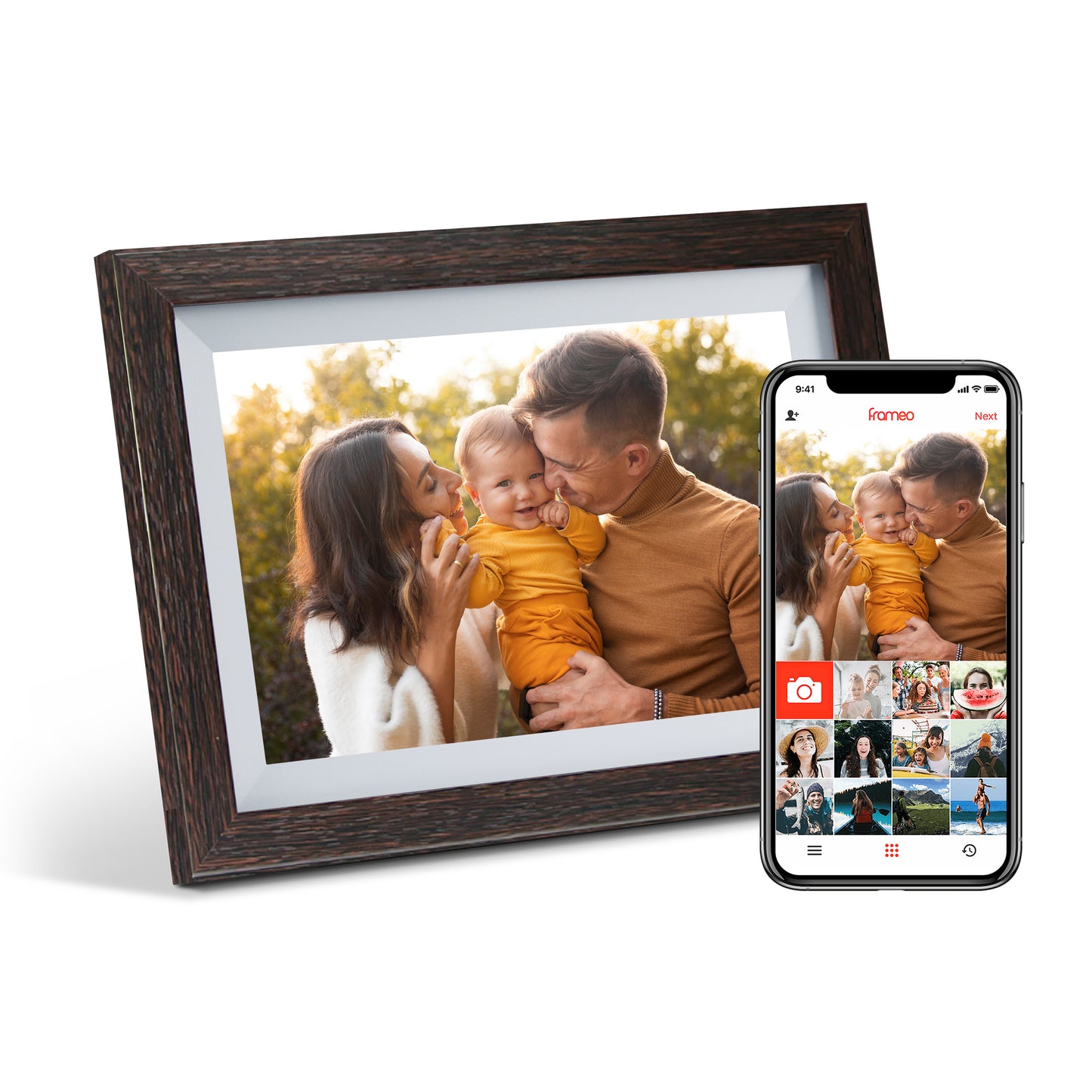
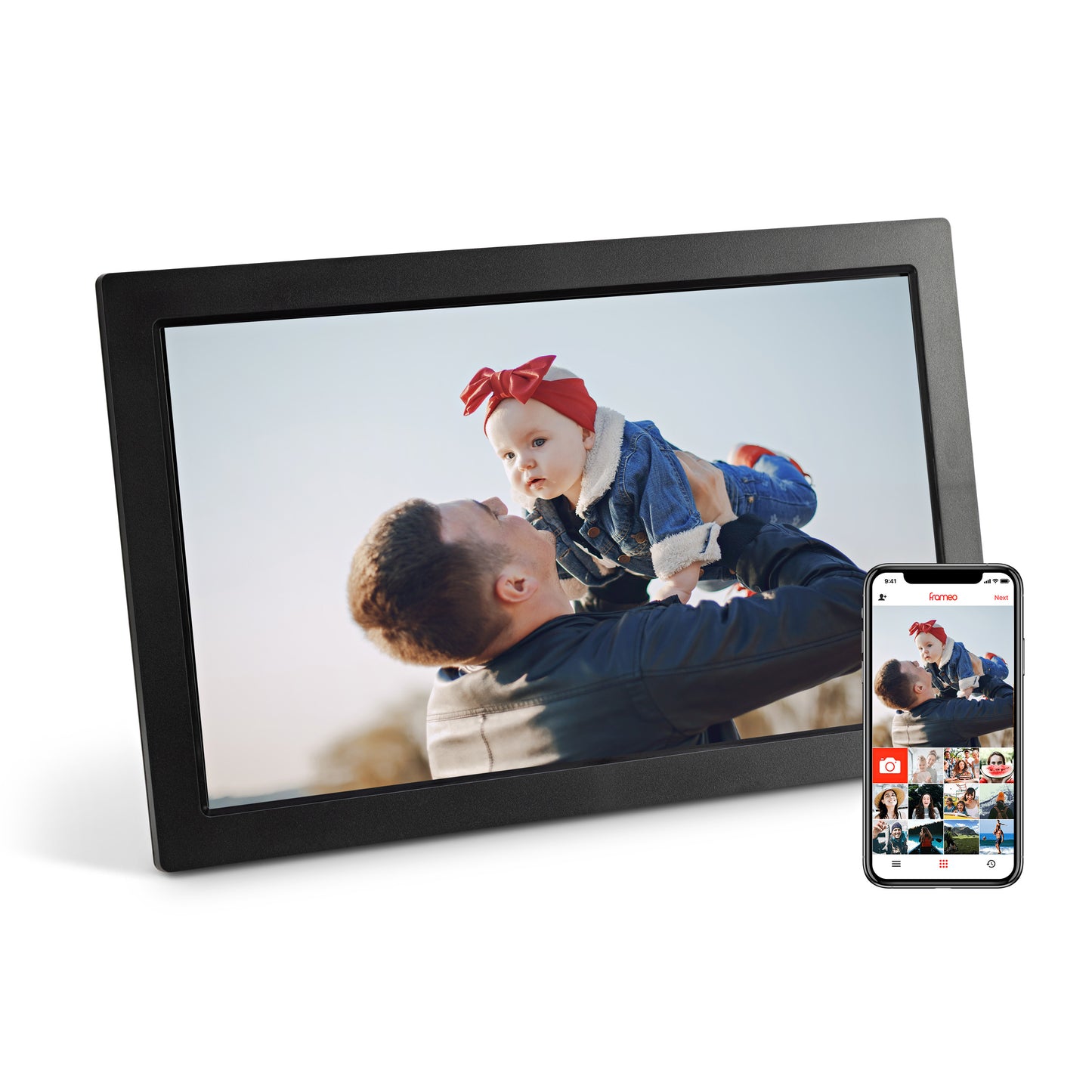
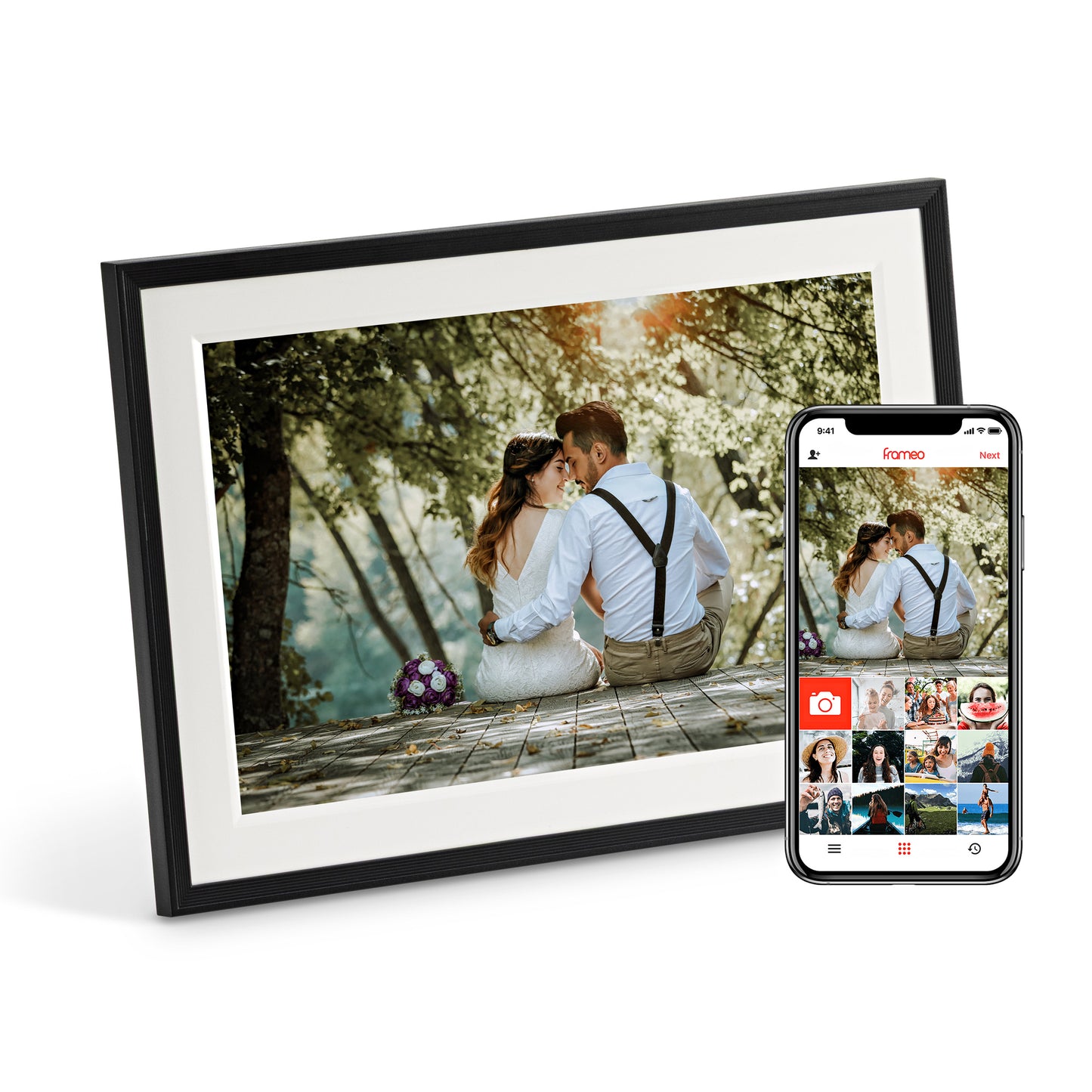
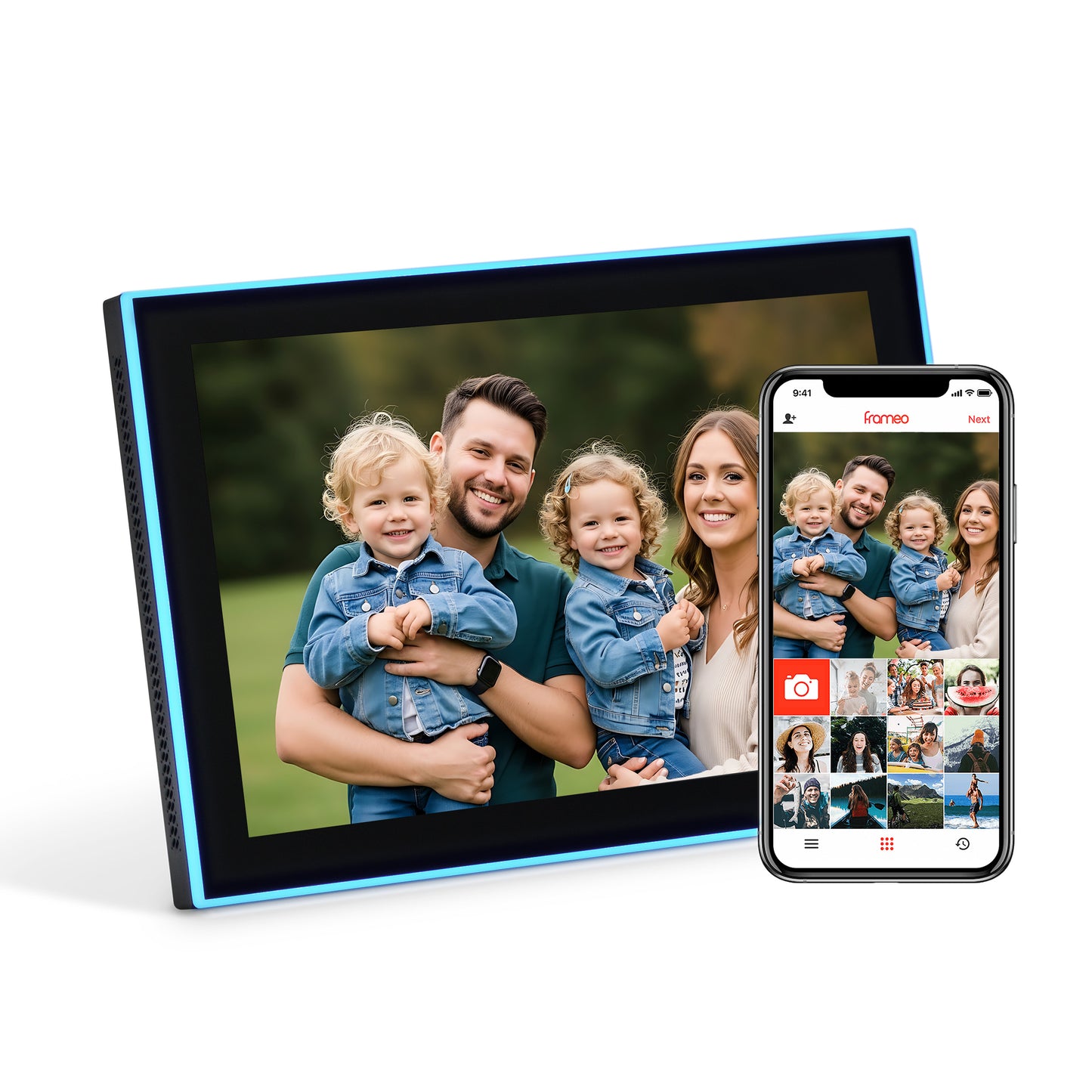
Set up in minutes
How does Frameo work?
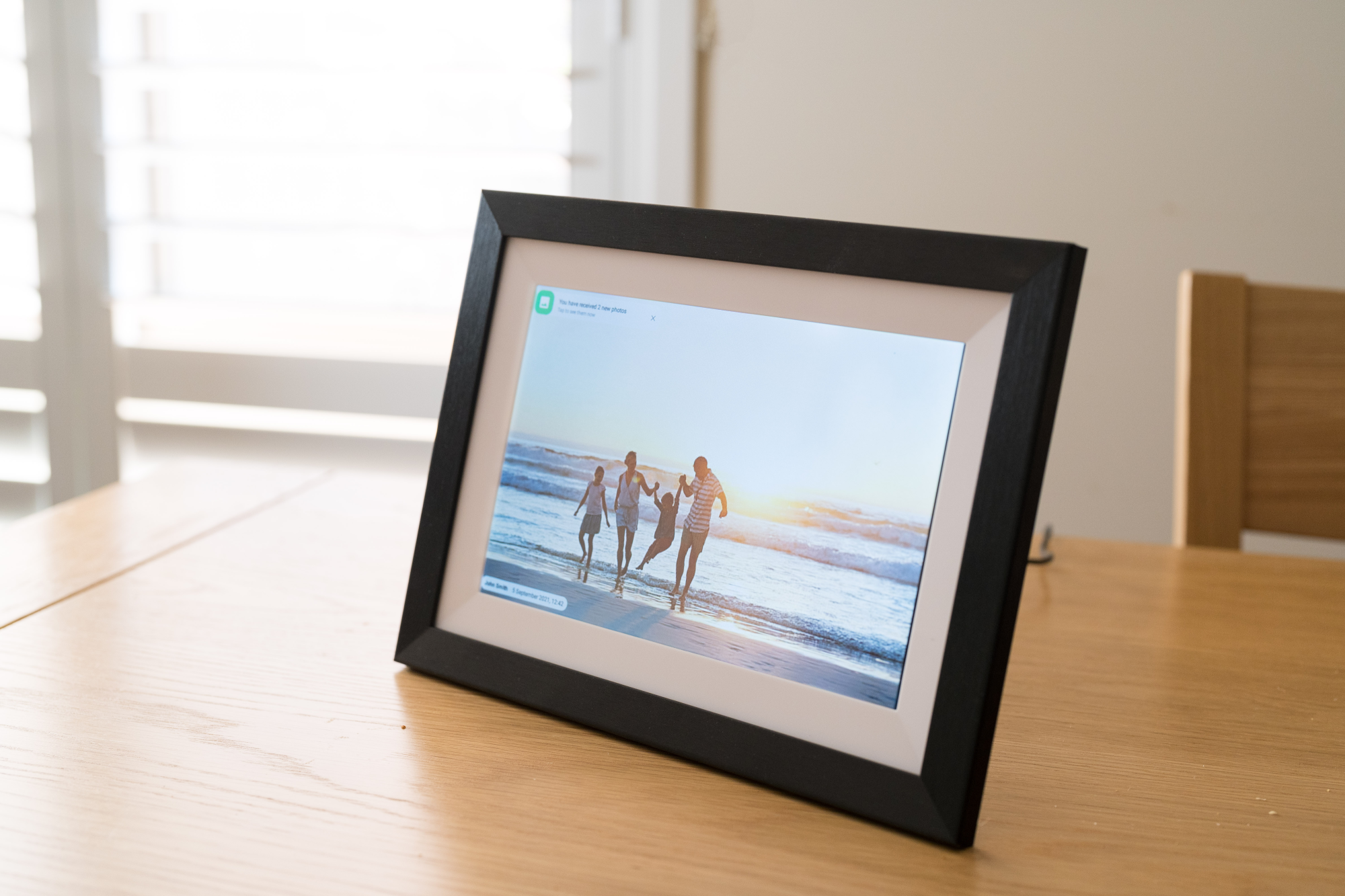
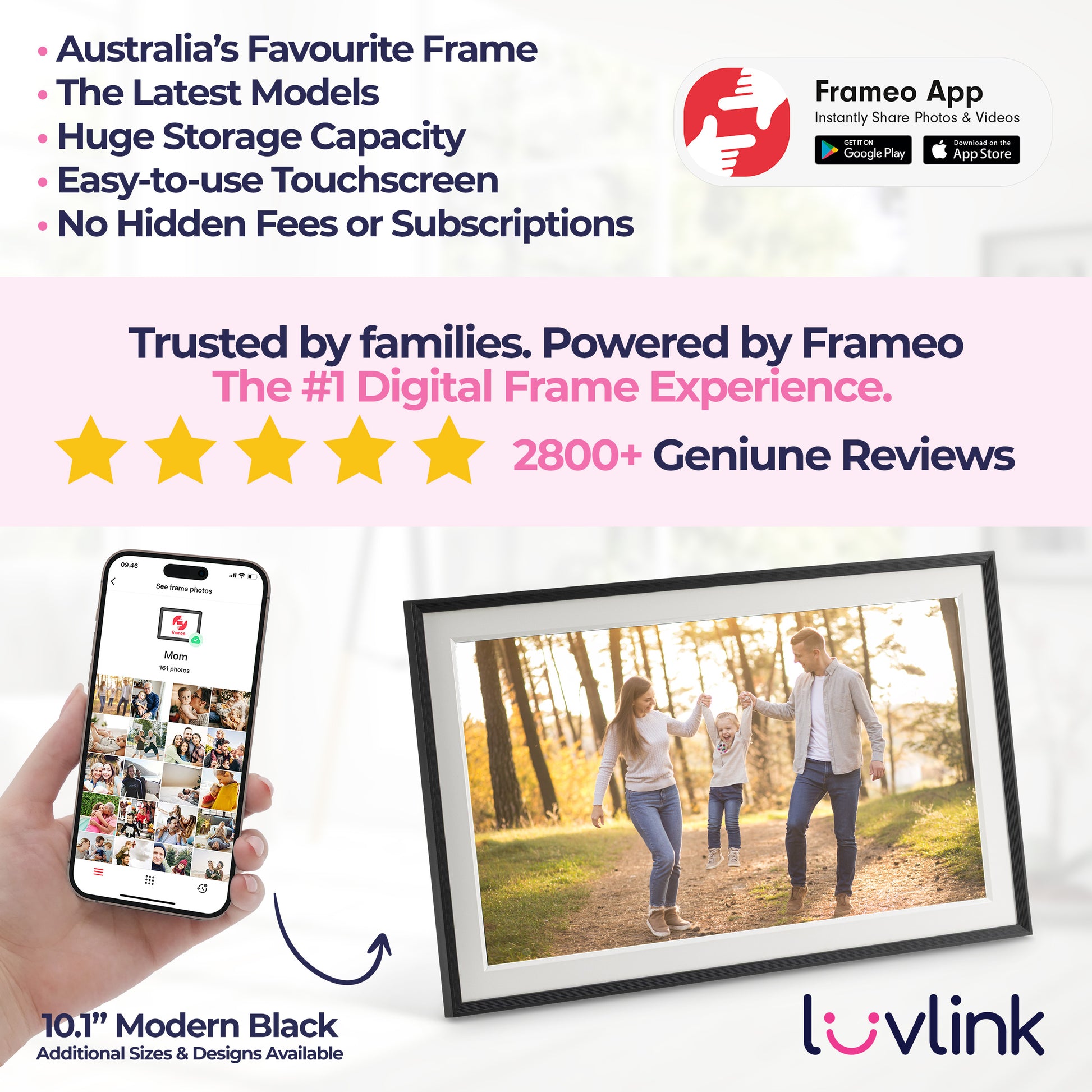
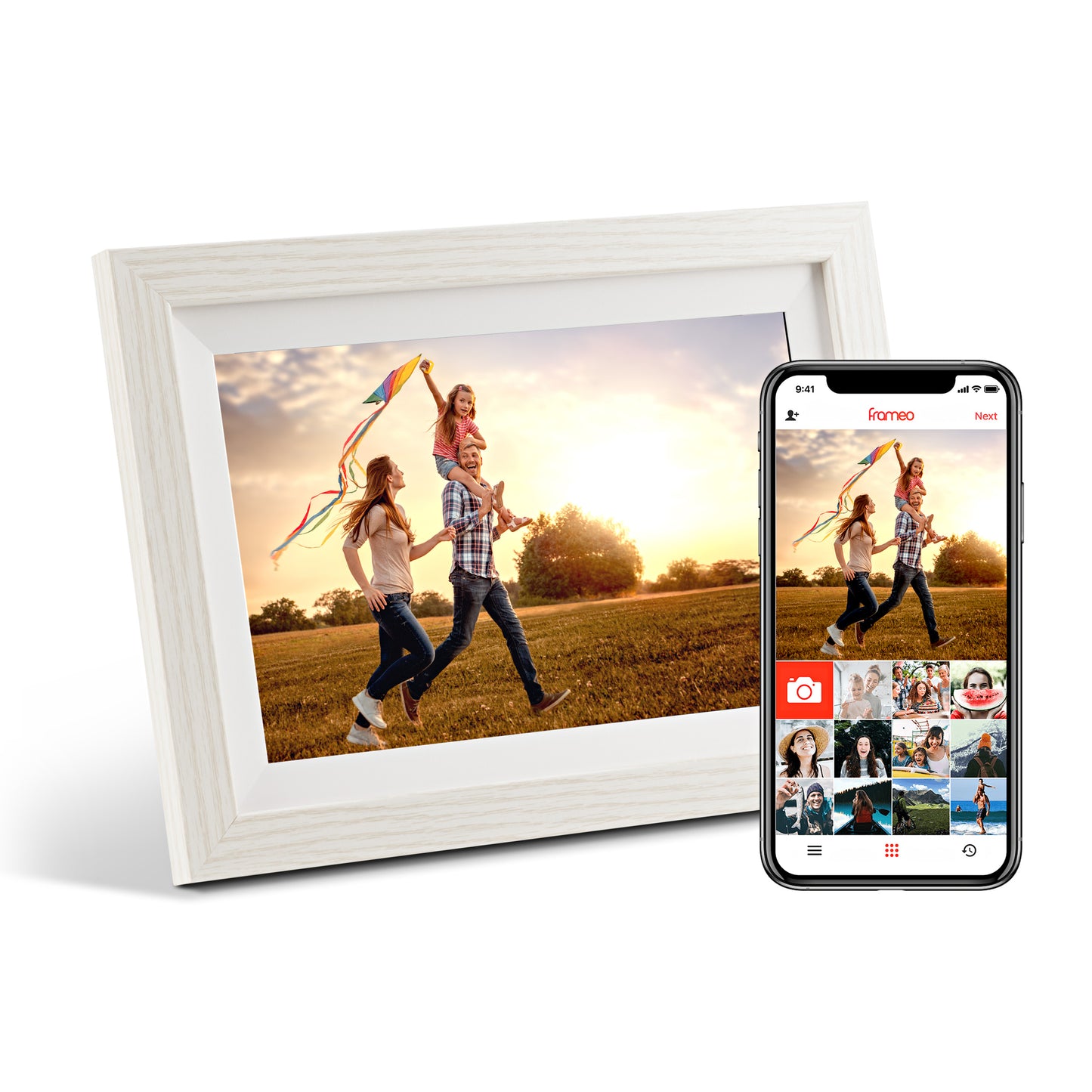
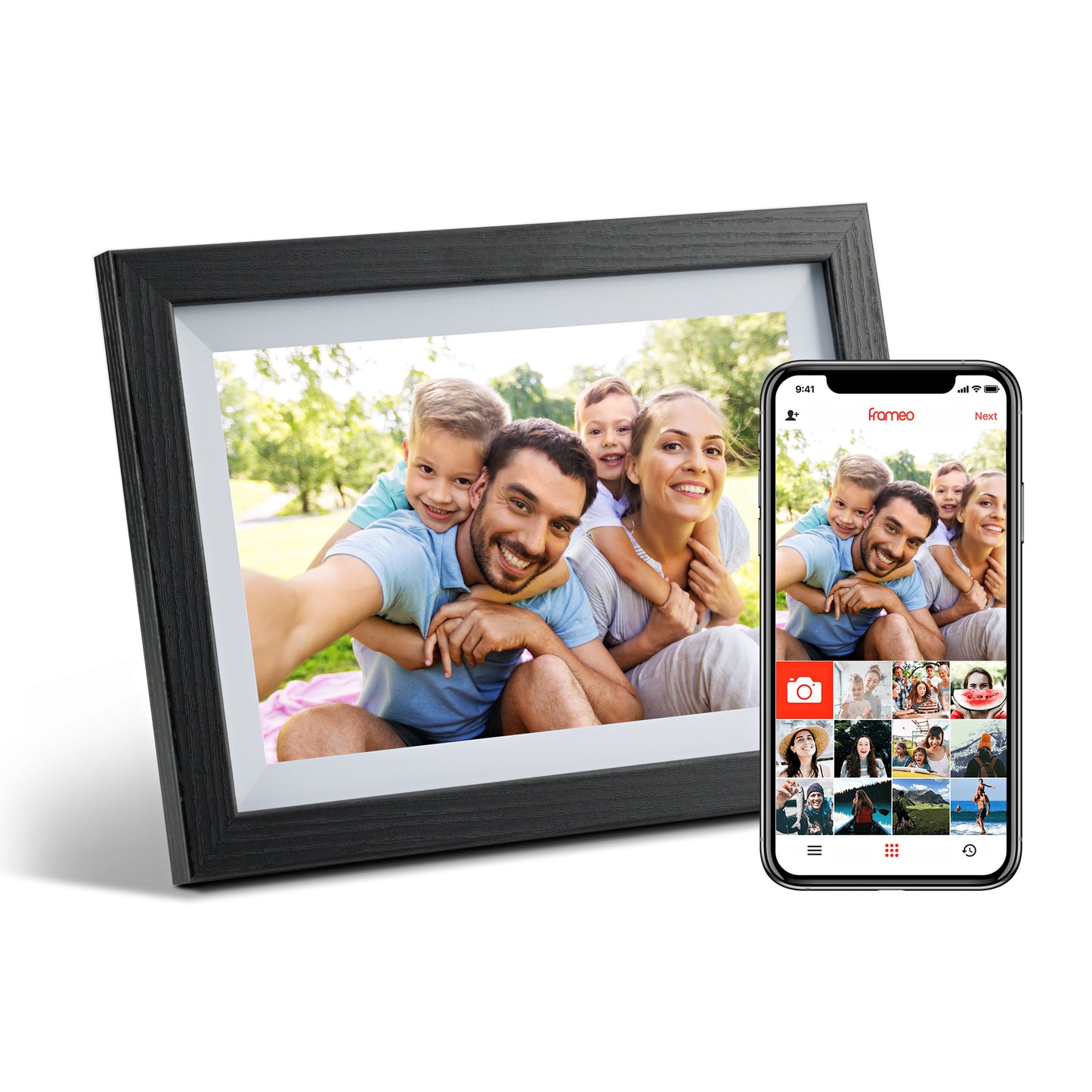
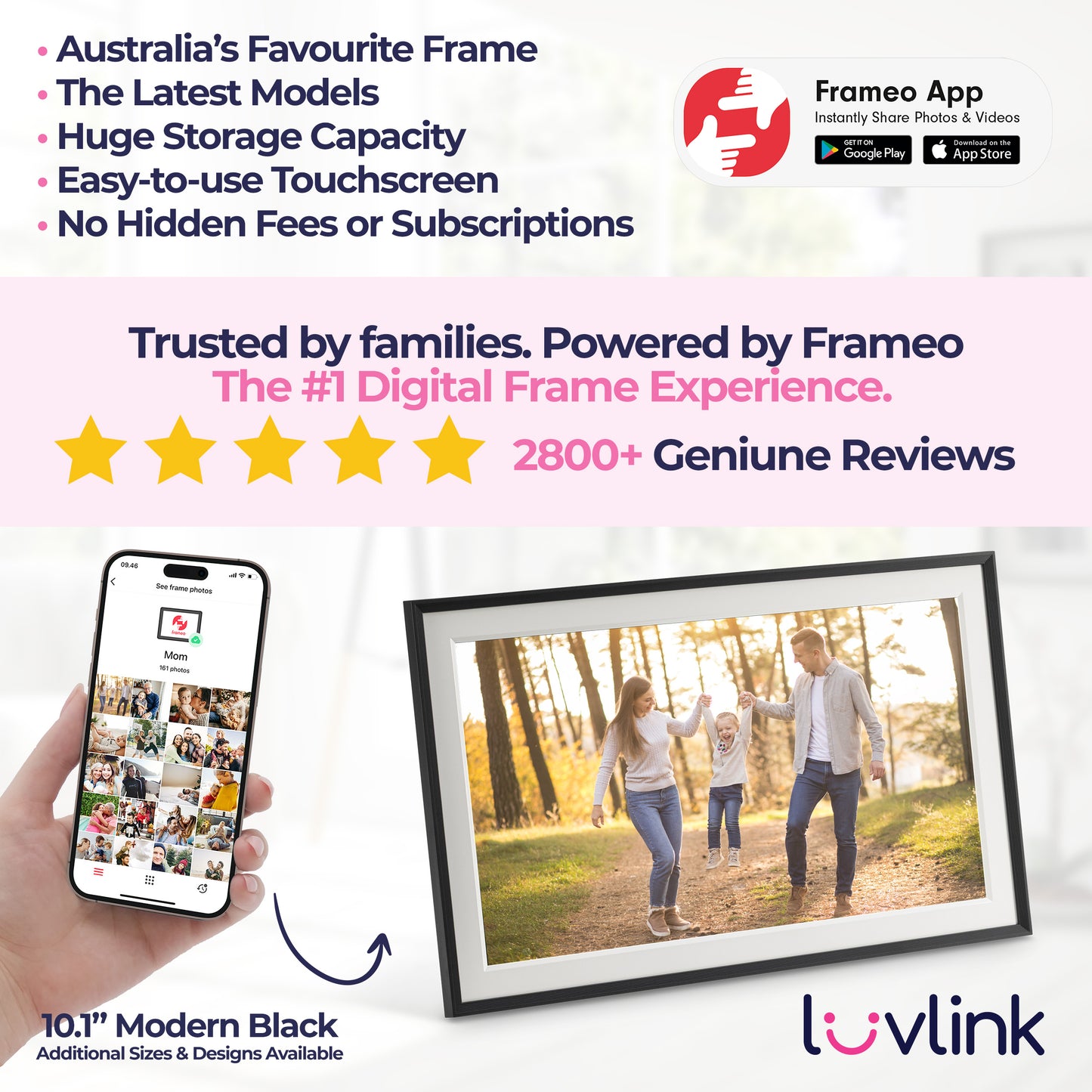
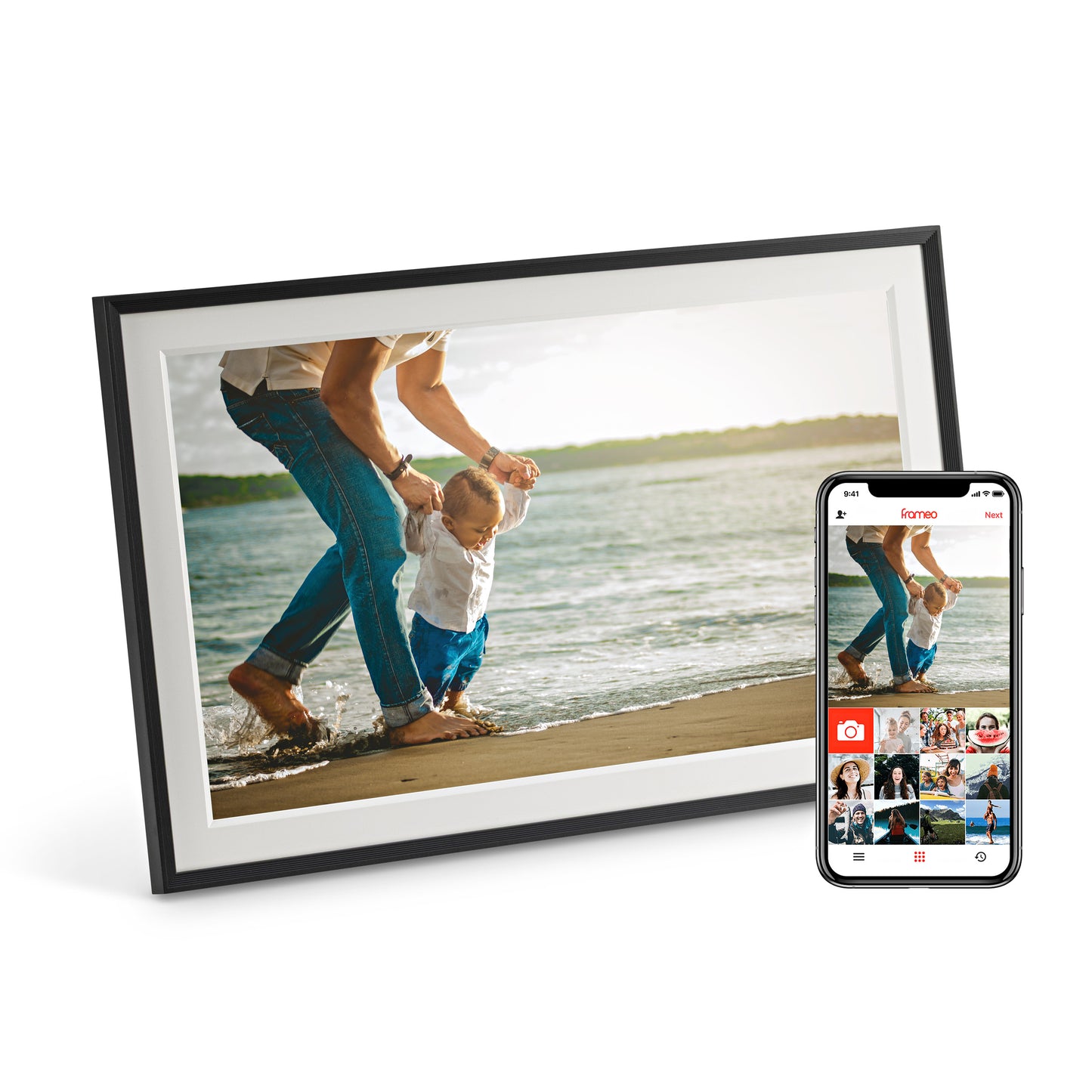
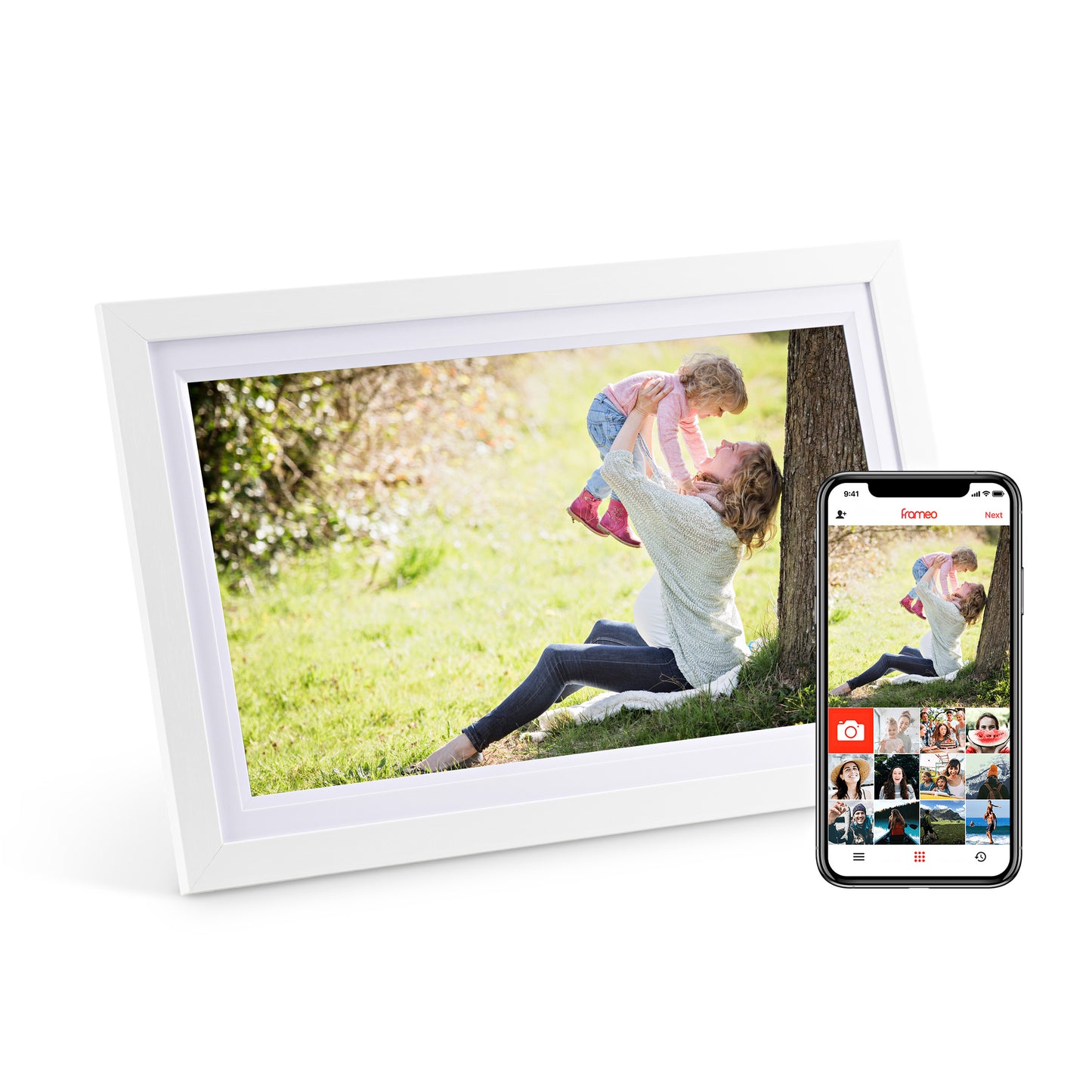
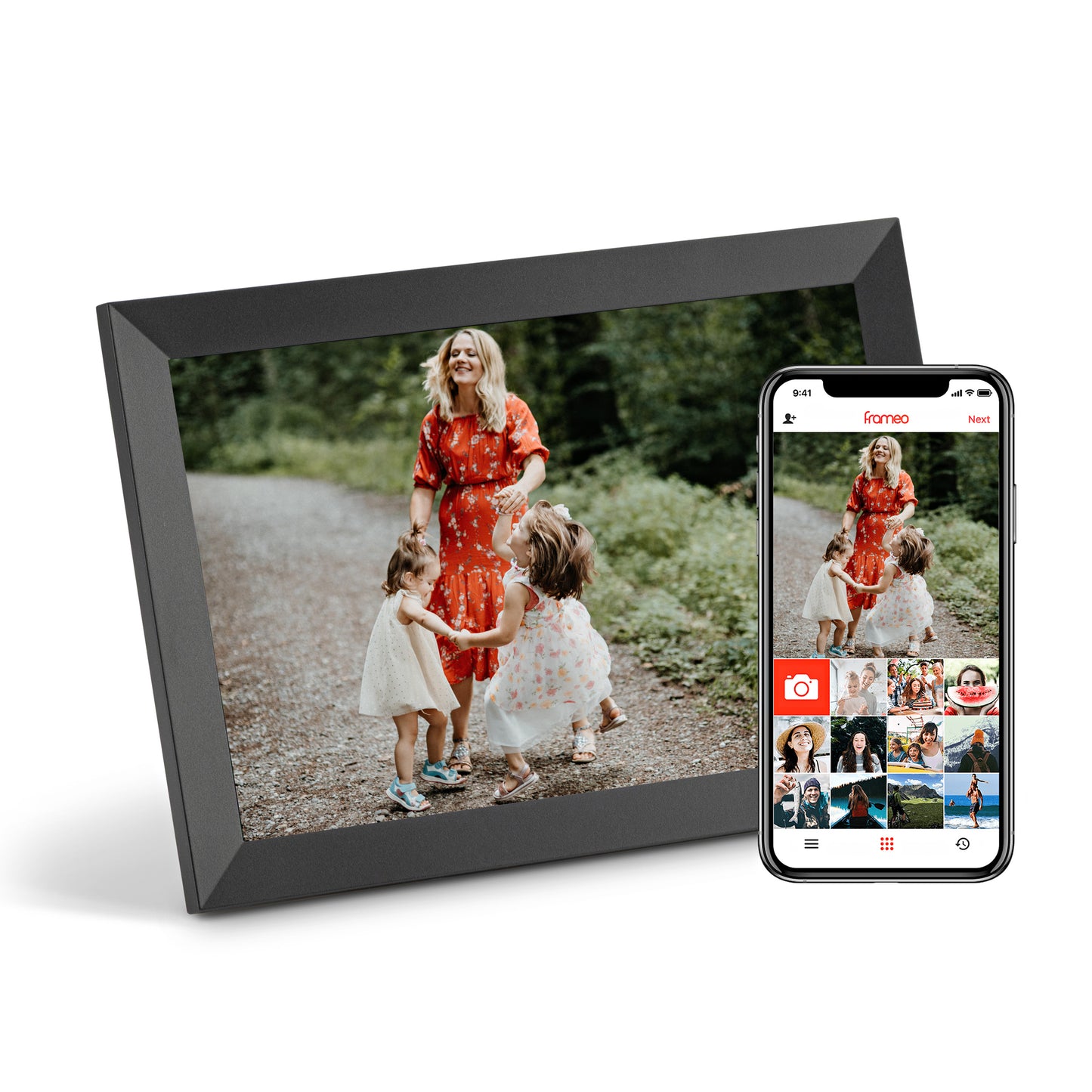
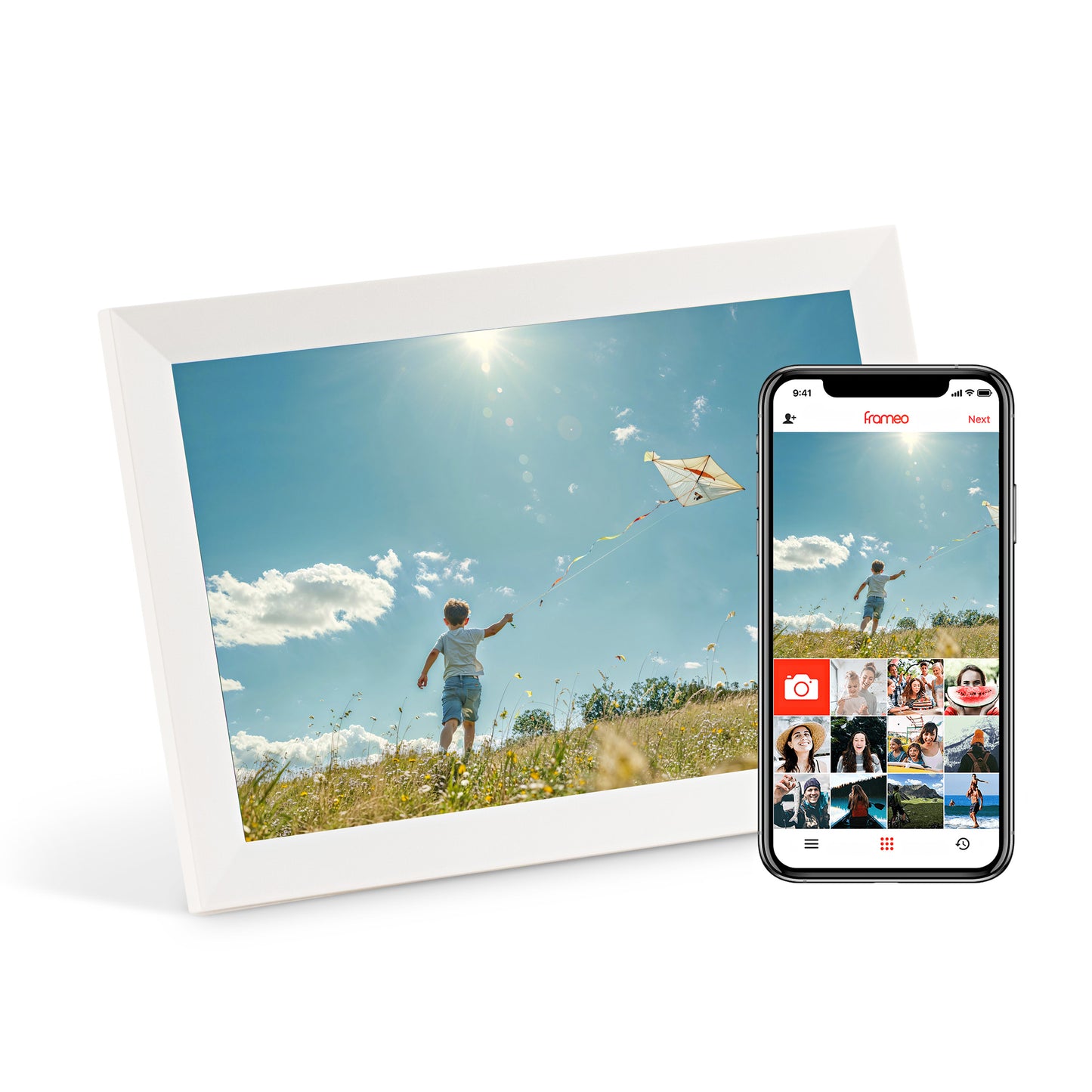
Frameo is the app that powers the frame. You pair a phone to a frame once, and from then on photos land on the frame in seconds — no cables, no computer, no subscription required required. Read the full walkthrough →
1📶
Connect the frame to Wi-Fi
Plug the frame in and pick your home Wi-Fi network on the touchscreen.
3🔑
Pair with a 10-digit code
The frame shows a code. Enter it in the app and the two are linked — that's the whole setup.
4💌
Start sending memories
Anyone you invite can send photos and short videos to the frame from anywhere in the world.

The Frameo app
Send a photo. It's on the frame before you put your phone down.
The free Frameo app is how photos get onto the frame. Choose a photo, choose who to send it to, add a caption — done. It works the same on iPhone and Android, and grandparents only ever have to look at the frame.
- ✓ Send from your camera roll in two taps — the photo appears on the frame in seconds
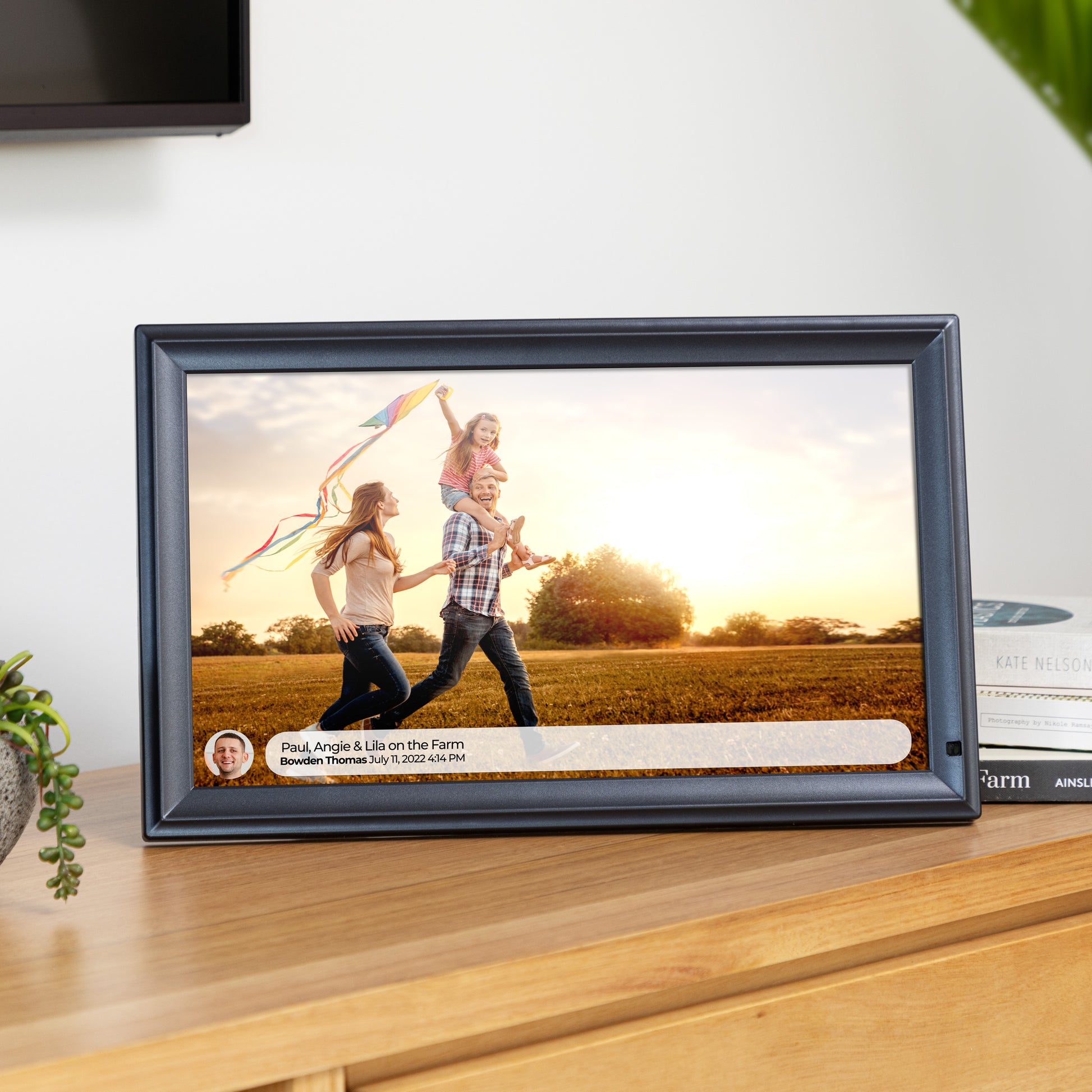
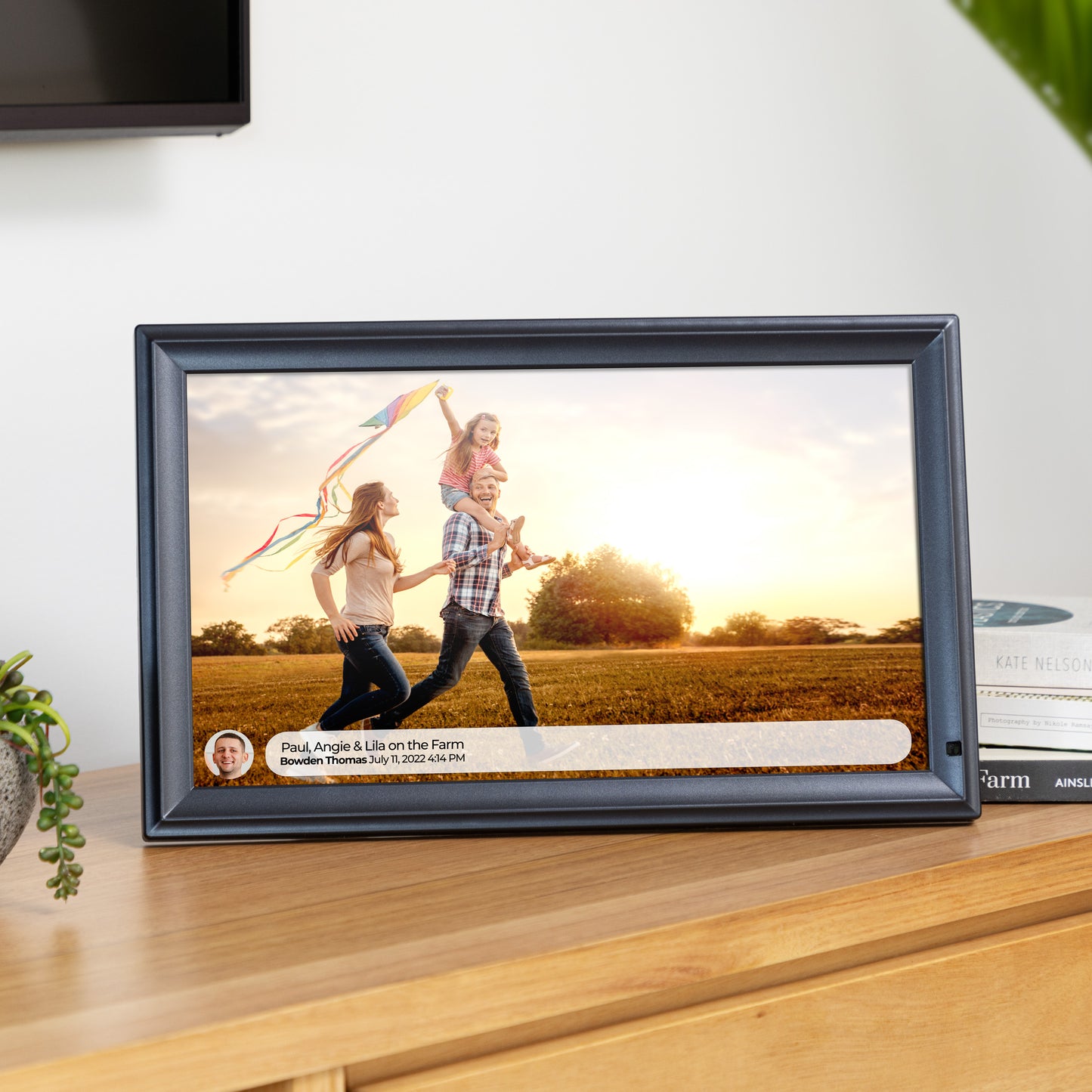
- ✓ Add a caption so the frame shows who sent it and why
- ✓ Invite the whole family — everyone sends to the same frame from their own phone
- ✓ Short videos work too, not just photos
- ✓ No subscription required — the frame and the free Frameo app keep working without one
- ✓ Clock and weather can sit in the slideshow, so the frame is useful even between photos
- ✓ Sleep schedules turn the screen off overnight and back on in the morning
- ✓ Send to several frames at once — one photo can land in every home you choose
- ✓ The app updates itself, so new Frameo features arrive without you doing anything
- ✓ Short videos work too, not just photos — up to 15 seconds on the free app
Send once, arrives everywhere
One photo. Every home that matters.
Pick a photo once in the free Frameo app and it lands on every frame you have paired — your place, your parents’, your sister’s — in seconds. No subscription required, and nobody at the other end has to do a thing.
Pick a photo once. It lands on every frame you have paired, in seconds — and nobody at the other end has to do a thing.

-
 Your place
-
 Mum and Dad’s
-
 Your sister’s
Three sizes
Which Frameo frame should you get?
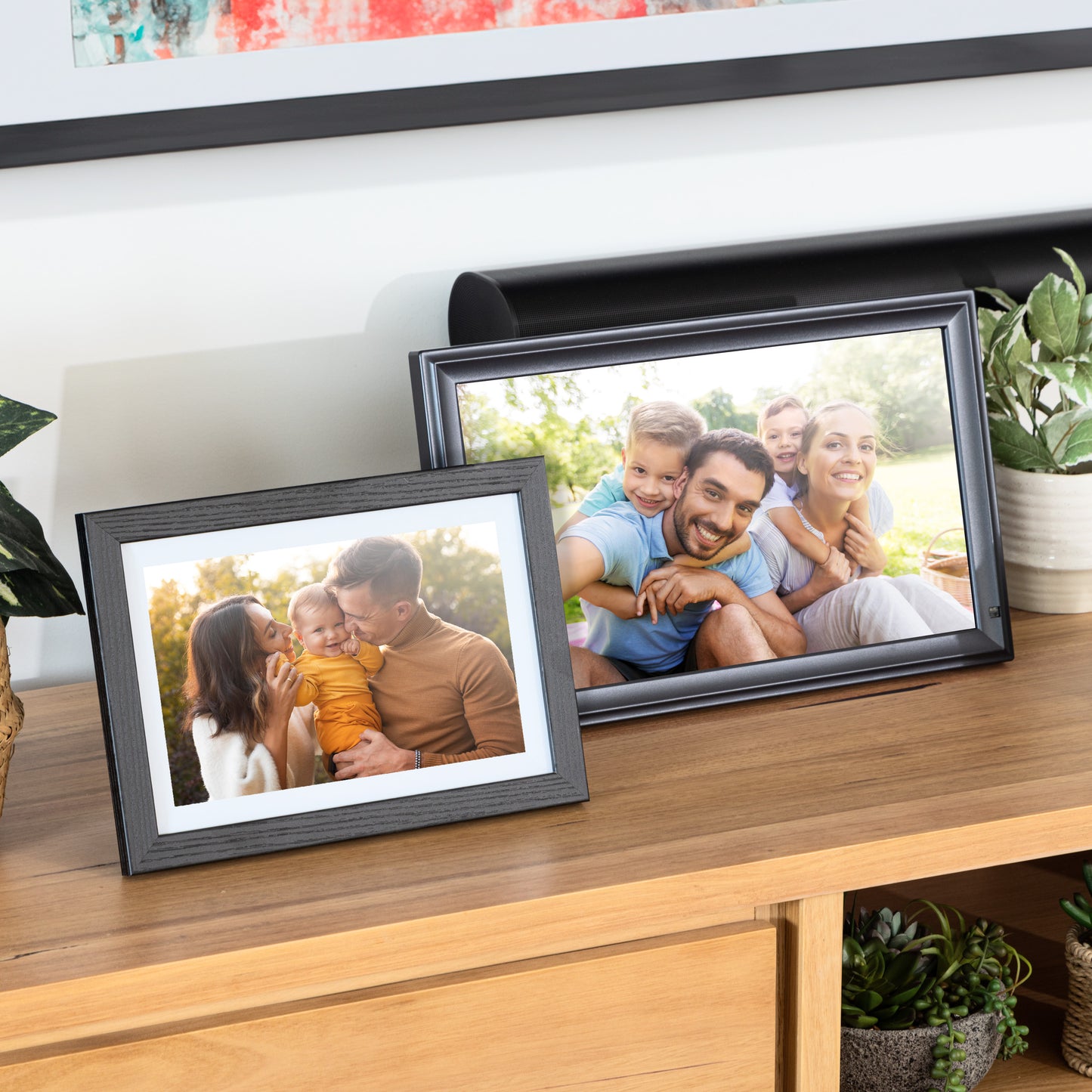
Every size runs the same Frameo app and the same free setup. The only real question is how big you want it on the wall or the bench. Or browse the full digital photo frame range.

10.1"
1280 x 800 touchscreen, 32GB. Classic, Modern and Wood styles in black, white and brown. The size most Australian families start with. See the 10.1" frame →

15.6"
1920 x 1080 Full HD, 32GB, 400mm wide. Enough presence for a kitchen bench or hallway. See the 15.6" frame →

21.5"
1920 x 1080 Full HD, 32GB, 550mm wide. The gallery size — wall-mountable, and hard to walk past. See the 21.5" frame →

Why buy from LuvLink®
Australia's official Frameo partner.
You can buy a Frameo-compatible frame from a lot of places. Buying from LuvLink® means the frame ships from Sydney, the warranty is handled here, and if something goes wrong you are talking to an Australian support team — not a reseller in another time zone.
- ✓ Official Australian Frameo partner
- ✓ Australian owned, with local shipping and a local support team
- ✓ Free shipping from our Sydney warehouse — order by 2pm AEST for same-day dispatch
- ✓ No subscription required — the frame and the free Frameo app keep working without one
- ✓ 30-day money-back guarantee and a 12-month warranty
- ✓ Good Design Award winner
- ✓ Rated 4.9 out of 5 across 832 frame reviews
What the frame actually does
What you get with a Frameo frame
Every LuvLink® frame ships with Frameo already installed, so there is nothing to sideload and nothing to configure beyond joining your Wi-Fi. These all work on the free app, with no subscription required.

Albums
Group photos into albums on the frame and choose which one is playing — holidays in one, grandkids in another.

Collage mode
Show several photos on screen at once instead of one at a time. Good for a week away or a birthday in one view.

Reactions and captions
Add a caption so the frame shows who sent it and why, and tap the screen to react — the sender sees it in the app.

Also a family calendar
The same frame can show the week ahead.
Frameo's calendar mode turns the frame into a shared family planner between photos. Sync a calendar and the frame shows what is coming up, so the school run, the shifts and the birthdays are all somewhere everyone actually looks. If you want a dedicated planner rather than a photo frame that also shows the week, we make a digital calendar too.
- ✓ Sync a calendar and the frame shows what is on today, this week or this month
- ✓ One synced calendar is included on the free Frameo app — no subscription required
- ✓ Everyone in the house sees the same plans without opening an app
- ✓ Frameo Premium adds unlimited calendar syncs, countdowns and a timed calendar view if you want them

Optional, never required
Frameo+ adds a bit more, if you ever want it.
Your LuvLink® frame and the free Frameo app work forever without paying anyone a cent — that is the whole point, and nothing on this page depends on an upgrade. Frameo, the app maker, does offer an optional Frameo+ tier for people who send a lot at once. We would rather tell you it exists than pretend it doesn't.
- ✓ Send up to 100 photos at a time instead of 10
- ✓ Send videos up to two minutes instead of 15 seconds
- ✓ Cloud backup for the photos on the frame
- ✓ See and manage the frame's photos remotely
- ✓ Google Cast support
Verified photo reviews
Australian homes, real frames.
★★★★★✓ Verified
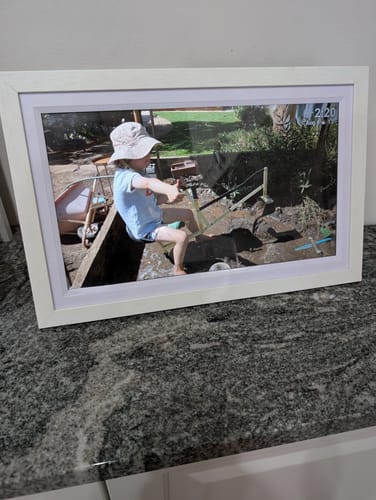
"Beautiful. Great seeing all the flashbacks you've forgotten about. A visiting grandparent loved it so much they wanted one too. The 15" size is perfect, great how you can edit the orientation of the photos to fit the frame so they're displayed optimally."
B A.
★★★★★✓ Verified
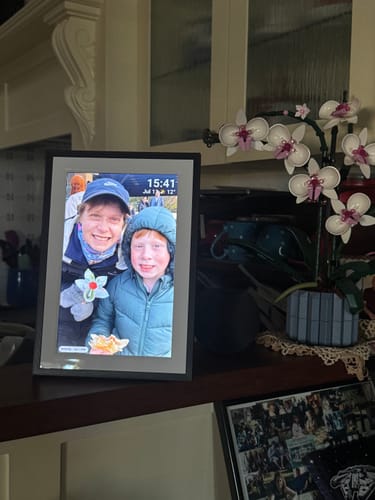
"Love the frame for grandparents and sharing family photos! The photos really shine. The screen turns off overnight which is an unexpected bonus. Highly recommend"
Emily K.
★★★★★✓ Verified
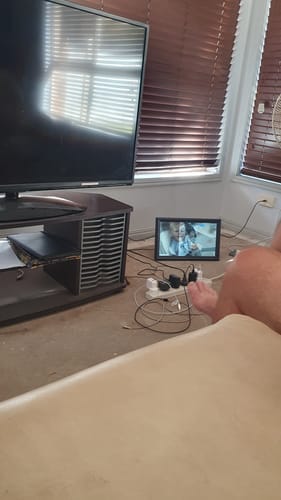
"Bought one for myself and then one for my daughter who lives on the other side of the country. My mum also has one in the south of the state. The frames keep us all connected when we are so far apart."
Leonie S.
★★★★★✓ Verified
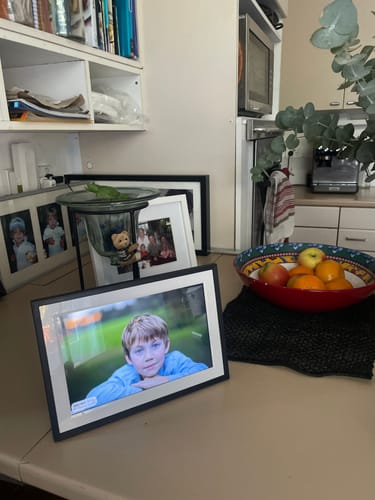
"I love my LuvLink digital photo frame. It is very easy to use and I can't believe how many photos I have been able to put in and I'm still going! It has been so great to see photos from all generations on the slideshow pop up in our kitchen instead of locked away on the hard drive."
Michelle F.
★★★★★✓ Verified
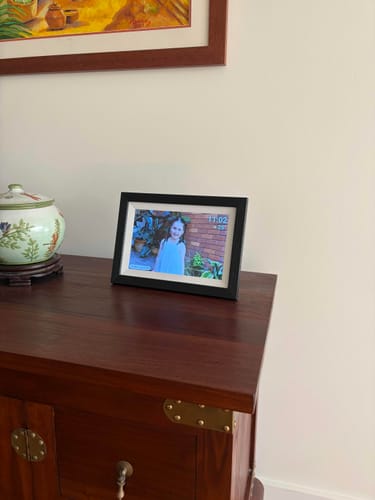
"Purchased as a Christmas gift for my parents so my brother and I can share photos of the grandkids. I am impressed with the quality of the frame and it was very easy to set up. The app is very handy and makes sharing photos very simple and easy."
Candice C.
★★★★★✓ Verified
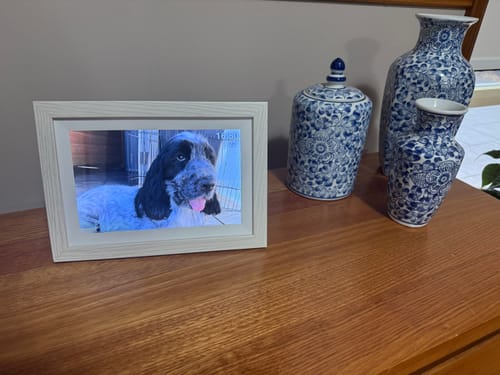
"I researched for weeks, looking at the pros and cons of all the digital frames on the market and found this was a clear winner. I could not be happier, highly recommended."
Ivana B.
Go deeper
More about Frameo
The long-form answers live on our blog. This page is the short version.
How it works, step by step
How Does the Frameo Frame Work? — pairing, invites, captions and what happens when the frame is switched off.
Frameo vs Skylight
Frameo Frames vs Skylight Frames — how the two compare on sharing, features and ongoing cost.
Using a frame without Wi-Fi
Does the Digital Photo Frame Work without Wi-Fi? — what still works offline, and how to load photos by USB or SD card.
The full buyer's guide
The Ultimate Guide to WiFi Digital Photo Frames — screen sizes, resolution, storage and what actually matters.
Frameo questions, answered
Frequently asked questions
What is Frameo?
Frameo is the app that runs on the frame. Pair a phone to the frame once and you can send photos and short videos to it from anywhere in the world. LuvLink® is an official Australian Frameo partner, so every frame we sell runs Frameo out of the box.
How does a Frameo frame work?
Connect the frame to Wi-Fi, download the free Frameo app on iPhone or Android, and pair the two with the 10-digit code shown on the frame. After that, photos you send from the app appear on the frame in seconds. Read the full walkthrough.
Is there a subscription?
No subscription is required. Your LuvLink® frame and the free Frameo app keep working forever without one, and we never charge you a subscription. Frameo, the company that makes the app, does offer an optional paid tier: the free app sends up to 10 photos at a time and videos up to 15 seconds, and Frameo+ raises that to 100 photos and two-minute videos and adds cloud backup. You never need it to use the frame we sell you. See what Frameo+ adds.
Does a Frameo frame work without Wi-Fi?
The frame needs Wi-Fi to receive photos sent from the app, but photos already on the frame keep playing without a connection, and you can load photos directly using the USB port or SD card slot. Here's the detail.
How is Frameo different from Skylight?
They are two different photo-frame platforms, and the biggest practical differences are how photos get sent and what you pay over time. We compare them side by side here.
Can more than one person send photos to the same frame?
Yes. Invite as many family members and friends as you like from the Frameo app — they each send from their own phone to the same frame.
Which size should I choose?
The 10.1" is a 1280 x 800 touchscreen and the most popular starting point. The 15.6" and 21.5" are both 1920 x 1080 Full HD — pick those if the frame is going somewhere it needs to be seen from across a room. All three have 32GB of storage and can be wall mounted.
Do you ship from Australia?
Yes. Frames ship free from our Sydney warehouse, and orders placed before 2pm AEST are dispatched the same day. Every frame comes with a 30-day money-back guarantee and a 12-month warranty, supported by our Australian team.
Can the frame show our family calendar?
Yes. Frameo's calendar mode shows what is coming up between photos, and one synced calendar is included on the free app with no subscription required. Frameo Premium adds unlimited calendar syncs, countdowns and a timed calendar view if you want them.