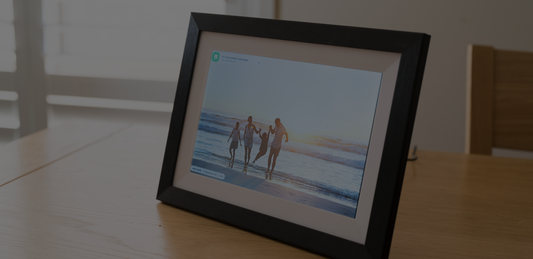

LuvLink Digital Calendar Australia: The Family Calendar Frame That Also Shows Your Photos
Quick answer: The LuvLink Digital Calendar is a Frameo-powered smart calendar photo frame available in Australia that syncs your Google, Apple/iCloud, Outlook or Yahoo calendar and displays it on a beautiful wall-mounted screen — in five different viewing modes. It's also a fully functioning digital photo frame, with no subscription required to get started.
It was 7:45am on a Tuesday. Mia's swimming carnival was that morning. Nobody had told Dad. He found out when he saw her standing at the door in her bathers with a towel tucked under her arm. Sound familiar? If your household runs on scattered texts, half-checked apps and someone always being the last to know, the LuvLink digital calendar Australia families are putting on their kitchen walls is worth a serious look — because the whole family can see the week at a glance, automatically, without anyone having to remember to pass it on.
What Is the LuvLink Digital Calendar?
It's a LuvLink Digital Calendar — a wall-mounted display that connects to your existing calendar apps and shows your family's schedule at a glance. Unlike a whiteboard on the fridge or a paper planner that gets ignored, this one updates automatically. Add an event on your phone and it appears on the frame. No manual syncing, no sticky notes, no "why didn't you tell me?"

Built on the Frameo platform (the same trusted system behind LuvLink's popular Digital Photo Frame), the Calendar runs on Wi-Fi and is controlled through an app. What sets it apart from other digital calendars sold in Australia: when there's no schedule to show, it slides back into being a photo frame, cycling through your family's favourite memories instead of sitting there showing a blank screen.
It organises your life and decorates your home at the same time — that's a combination most "smart" devices never quite pull off.
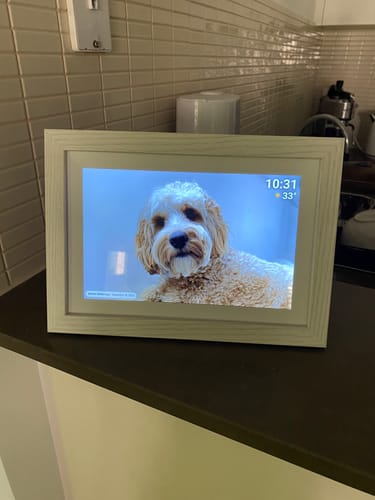
“As a family, we purchased a luv link digital photo frame for my parents for Christmas. As they have just become great grandparents, so we knew they would love seeing photos of their newest member of the family every day of the week! Every family member has downloaded the app and can easily upload photos onto the frame for my Mum and Dad. So easy to set up and to use. Instructions are simple. Ability to add a caption to one or every photo is an added bonus.”
How Does It Work?
Setup takes about five minutes:
- Download the Frameo app and connect the frame to your home Wi-Fi.
- Link your calendar — Google Calendar, Apple/iCloud, Outlook or Yahoo are all supported.
- Tap Allow on the frame to confirm the sync, and your events appear automatically.
From that point on, the frame pulls updates in real time as you add or edit events on your phone — no weekly fiddling required. If your Wi-Fi drops, the last synced schedule stays visible on screen until the connection restores. For a deeper look at the Frameo platform, our Frameo Digital Photo Frame guide covers it in detail.

Five Ways to View Your Schedule
One of the smartest things about the LuvLink Digital Calendar is that you choose how your schedule looks. There are five distinct viewing modes:
- Photos only — full-screen photo slideshow, calendar hidden until needed
- 4-day view — shows the next four days at a glance, great for week-to-week planning
- Week view — the full seven-day spread, perfect for busy households
- Month view — the big picture, good for planning ahead or seeing school-term patterns
- Hybrid view — photos and calendar on screen at the same time, so it's always doing both jobs
Most families settle into week or hybrid view day-to-day, then flip to month view before school holidays or a big family event. The flexibility means it fits different seasons of life — you're not locked into one layout forever.
Colour-Code Every Person in the House
If you've got more than one person's calendar on the go (and honestly, who hasn't?), colour-coding is the feature that makes everything click. Assign a different colour to each family member's calendar and the frame displays each event in that colour. Mum's events in blue, the kids' school stuff in green, Dad's work commitments in orange — you can read the whole week's schedule in seconds without squinting at names.

It's the kind of detail that sounds minor until you're standing in the kitchen at 7am trying to figure out who needs to be where by 8:30 — and you can see it at a glance from three metres away.
Why It's the Best Digital Calendar in Australia for Real Families
The short answer: anyone whose household runs on more than one schedule. But a few groups in particular will get the most out of it.
Busy families with kids
"I didn't know about that" is one of the most common phrases in a house with kids. With every sport, music lesson, school event and birthday party loading into one screen automatically, it becomes a lot harder to miss something. Nobody has to be the family secretary — the frame does it.
Grandparents who want to stay in the loop
Gift this to a grandparent who lives a suburb or a state away, and their family can share calendar events directly — the grandkids' concert, a family catch-up, an upcoming birthday. Here's what that looks like in practice:
- Nan sees the school play is on Thursday before anyone thinks to call her
- Pop knows the footy grand final is a family watch — no one has to remind him
- Between events, it shows a slideshow of grandkid photos sent from phones across the country
Our guide to the best digital photo frame for grandparents goes deeper on why these frames land so well as gifts for this age group.

Long-distance families
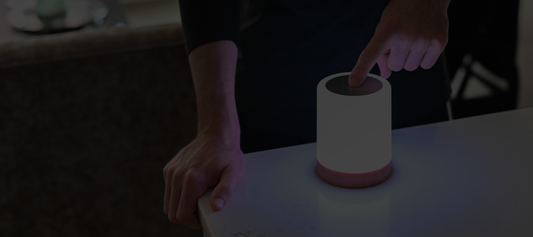
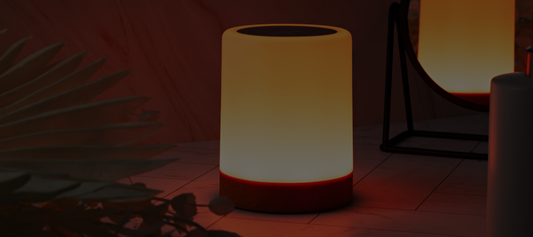
Shared calendars close distance differently to a phone call. Knowing your sibling's big job interview is on Wednesday, or that your mum has her check-up on Friday, keeps you in each other's weeks rather than just catching up after the fact. If you want to go a step further, our Friendship Lamp lets loved ones signal they're thinking of each other with a single touch — no words needed.
It's Still a Beautiful Photo Frame
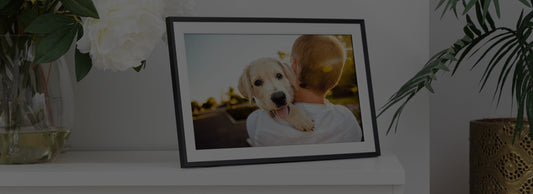
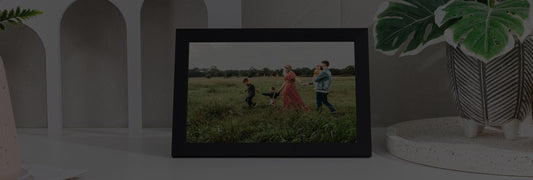
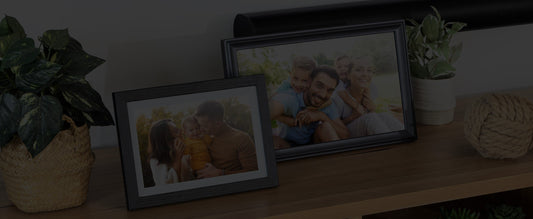
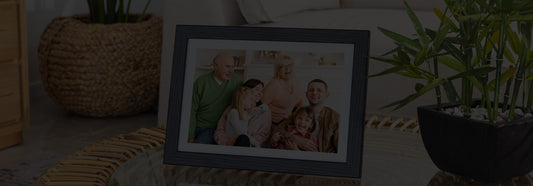
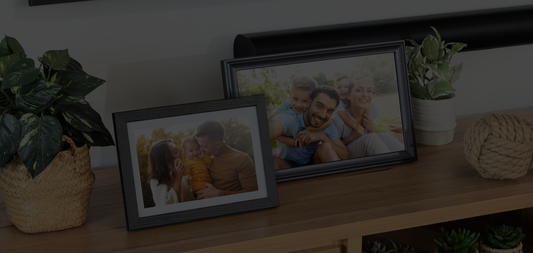
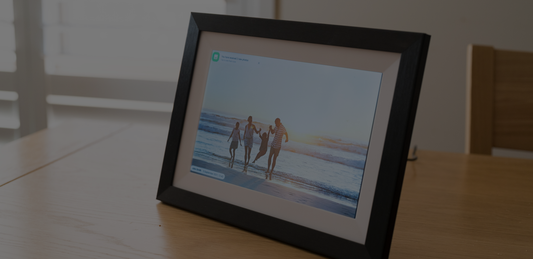
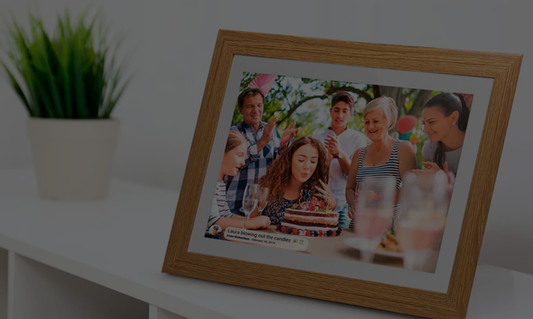
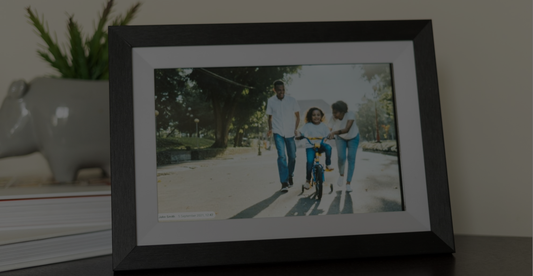
A lot of digital calendars look clinical — functional, but not something you'd want on your living room wall. The LuvLink Digital Calendar is built differently. When it's not displaying your schedule, it cycles through your photos just like a premium digital photo frame.
Photos are shared via the Frameo app — family members anywhere in the world can send images directly to the frame with a few taps. No USB sticks, no email attachments, no printing. And because it's wall-mounted with clean, considered styling, it looks like it belongs in your home.

Sizes, Styles and Tech Specs at a Glance
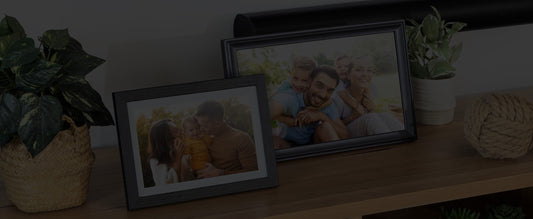
The Digital Calendar comes in three sizes and six styles. Here's everything you need to know before you choose:
| Size | Best For | Available Styles | Resolution | Readable from |
|---|---|---|---|---|
| 10.1" | Bedrooms, smaller kitchens, gifting to grandparents | Black Wood, White Wood, Black LED, Black Classic, White Classic, Black Modern | 1280×800 IPS | ~1.5m |
| 15.6" | Kitchen bench, hallway, family living areas | White Wood, Black Classic, Black Modern | 1920×1080 IPS | ~2.5m |
| 21.5" | Open-plan living, large households, high-traffic spots | Black Classic | 1920×1080 IPS | ~3.5m |
All sizes ship with wall-mounting hardware included — you don't need to source a separate bracket. The frame sits roughly 3–4cm off the wall once mounted, so it's flush enough to look intentional without needing to chase cables into the wall (though a cable tidy is worth it for a cleaner finish).
For most families, the 15.6" hits the sweet spot — big enough to read across the kitchen, without dominating a wall. The 21.5" is roughly the size of a small TV — you can read event names and times from the other side of an open-plan room without walking over to check.
Is It Worth It? How It Stacks Up Against the Free Alternatives
Fair question. You could get a shared Google Calendar for free, prop a cheap tablet on the bench and call it done. Here's the honest comparison:
A tablet propped on the kitchen counter needs charging every day, isn't wall-mounted, and feels like a workaround rather than a solution. A whiteboard calendar has to be updated by hand — which means it usually isn't. Generic Frameo-compatible frames from Amazon exist, but they're not built with calendar functionality or designed for wall mounting as a primary use case, and local support is essentially non-existent if something goes wrong.
The LuvLink Digital Calendar starts from a price that's less than most smart displays, includes no ongoing subscription fees, and comes with Australian warranty and local customer support. For a device that's on your wall every day of the year — showing your family's schedule and your favourite photos — that's a different category of purchase to a novelty gadget.
Aussie-Owned, No Subscription to Start
LuvLink is an Australian-owned brand, which means local customer support, Australian warranties, and a team that actually picks up the phone. If you've been searching for a reliable digital calendar Australia-wide and kept landing on overseas brands with no local presence, that difference matters when you need help with setup or have a warranty question.
No subscription is required to get started — sync your calendar, send photos, and use every viewing mode from day one without paying an ongoing fee.
Ready to bring a bit of order (and a lot of family photos) to your walls? Explore the LuvLink Digital Calendar and find the size and style that fits your home.

“My husband and I gave one to each other for Christmas 2024 and use it for our family photos. The kids send photos of their lives direct to us and we love the surprise of "New Photo" message. It's in our kitchen and when we are cooking we stop and just stare at it, but can also see it from the lounge and dining areas, so the kids are always around us, even though we are empty nesters. So we decided to buy our kids one each for christmas 2025 to keep the joy of family around all of us.”
Frequently Asked Questions
Which calendar apps does the LuvLink Digital Calendar support?
It syncs with Google Calendar, Apple/iCloud Calendar, Outlook and Yahoo Calendar. Once you've linked your account through the Frameo app, just tap Allow on the frame and your events appear automatically.
Can multiple family members share their calendars on the one frame?
Yes. You can connect multiple calendars to the one frame and colour-code each person's events so they're easy to tell apart at a glance. It's one of the most useful features for households with busy, overlapping schedules.
Does the LuvLink Digital Calendar need a subscription?
No subscription is required to get started. You can set it up, sync your calendar and use the photo frame features without paying an ongoing fee.
What happens if the Wi-Fi goes down?
The last synced version of your calendar stays displayed on screen. Once your connection restores, the frame picks up any new events automatically — no manual refresh needed.
What's the difference between the Digital Calendar and the Digital Photo Frame?
The Digital Photo Frame focuses purely on displaying photos shared via the Frameo app. The Digital Calendar does everything the photo frame does, plus it syncs your calendar and displays your schedule in five different viewing modes. If staying organised matters as much as staying connected, the Calendar is the upgrade worth making.