Frameo Albums Feature Now Available on LuvLink Frames
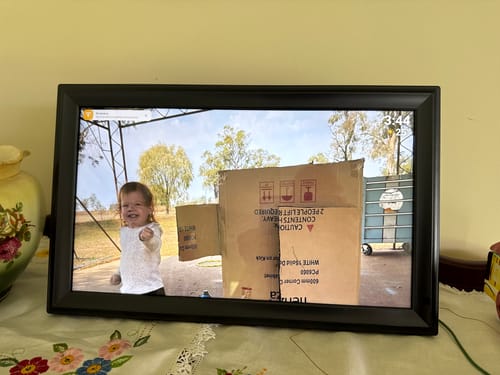
“So easy to set up, I love the huge storage capacity. The only flaw is that it turns it self off, goes to a black screen, this is obviously a power saving feature, that I’d like to turn off !!”
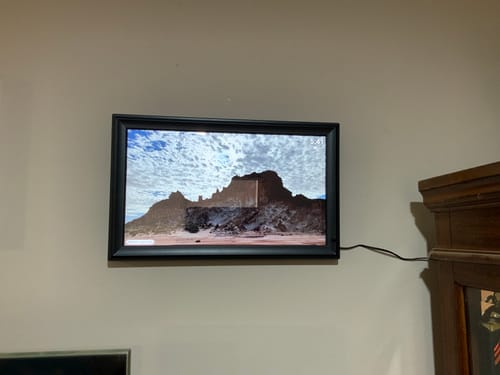
“Love the size of this one. I now have 2 and love how easy it is to display all my photos without the clutter of many frames”
Organise Your Memories Like Never Before
🔗 Explore Our Full Range of Frames »
✨ A Game-Changer for Digital Photo Frames
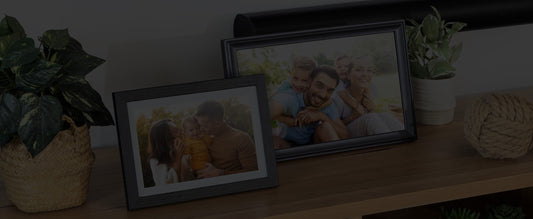
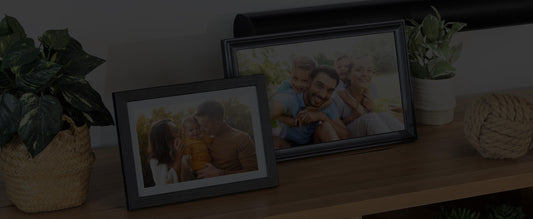
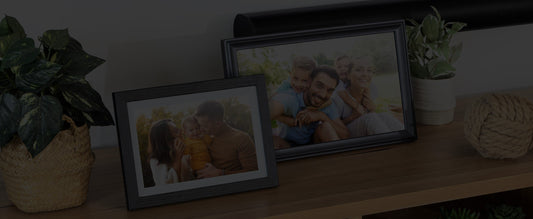
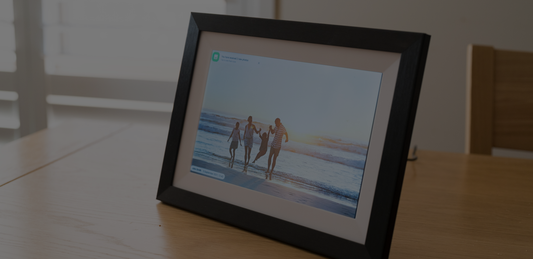
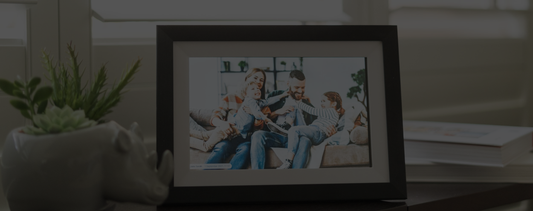
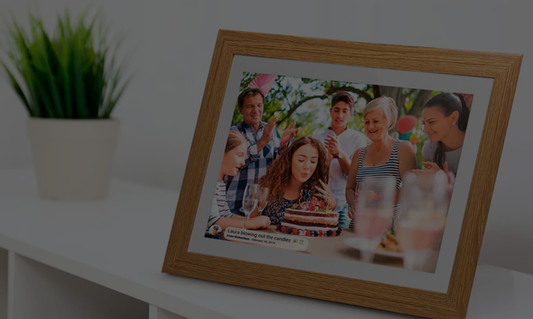
Organising and enjoying your favourite memories just got easier. Frameo, the world-renowned photo-sharing platform for digital frames, has introduced an exciting new Albums feature, now available across all compatible Frameo Digital Photo Frames. And if you're in Australia, you can experience this update first-hand through LuvLink Australia, the official Frameo partner down under.
Whether you're buying a frame for yourself, a grandparent, or a long-distance loved one, this new update makes Frameo even more powerful, intuitive, and personalised.
📁 What Is the Frameo Albums Feature?
The Albums feature is a powerful new way to personalise your digital frame experience. It allows you to:
- ✅ Create and name albums (like "Family Holiday", "Wedding Day", or "Grandkids")
- 📸 Add photos to specific albums directly from your Frameo app
- 🔁 Switch between albums on your frame to display only those photos in your slideshow
- 🎯 Tailor the photo experience to different people or moods
It's a simple but transformative feature that helps you turn your digital frame into a curated collection of memories.
🛠️ How to Create an Album on Your Frameo Frame
Creating an album is fast and easy:
- Tap the screen of your Frameo Digital Photo Frame.
- Press the 📁 Album Selector icon.
- Tap Manage Albums.
- Select Create New Album.
- Enter a name for your album (e.g., "Christmas 2024").
- Your new album will appear in the My Albums list.
- Select the album, then Add Photos to Album.

🎞️ How to Display a Specific Album on Your Frame
Want to view just one collection of memories? Follow these steps:
- Tap the screen to bring up the quick menu.
- At the top, tap the Album Selector icon.
- Choose the album you'd like to play.
- Your frame will now show only those photos in the slideshow.
This is perfect for letting your frame match your mood, event, or the person visiting your home.

💡 Why Albums Matter
- 👵 Great for Grandparents – Let them focus on grandkids or family events.
- 📆 Perfect for Events – Weddings, birthdays, and holidays deserve their own album.
- 💞 Tailored for Long-Distance Love – Send curated albums so your loved one feels more personally connected.
- 👨👩👧👦 Shared Frames, Multiple Users – Keep everyone's photos separate but still beautifully displayed.
Available Now with All Frames from LuvLink Australia
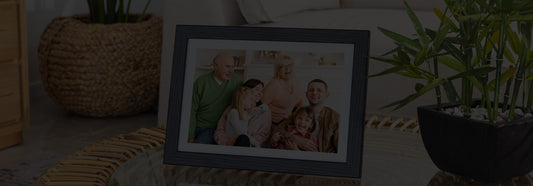
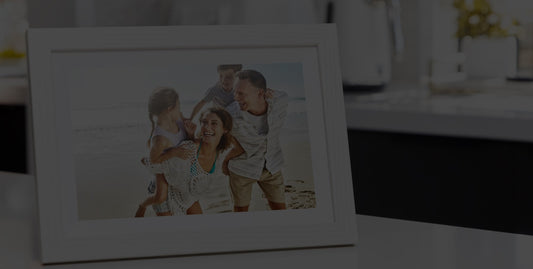
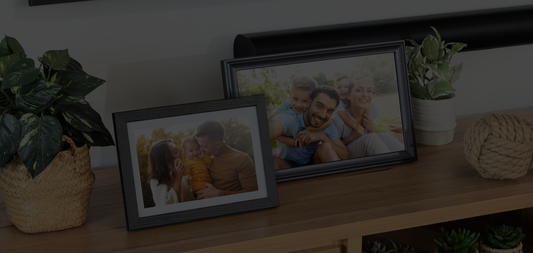
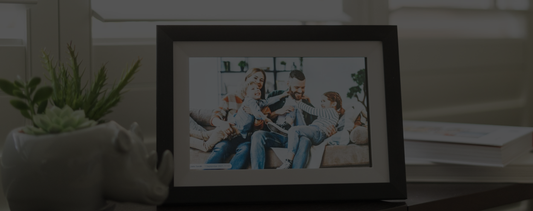
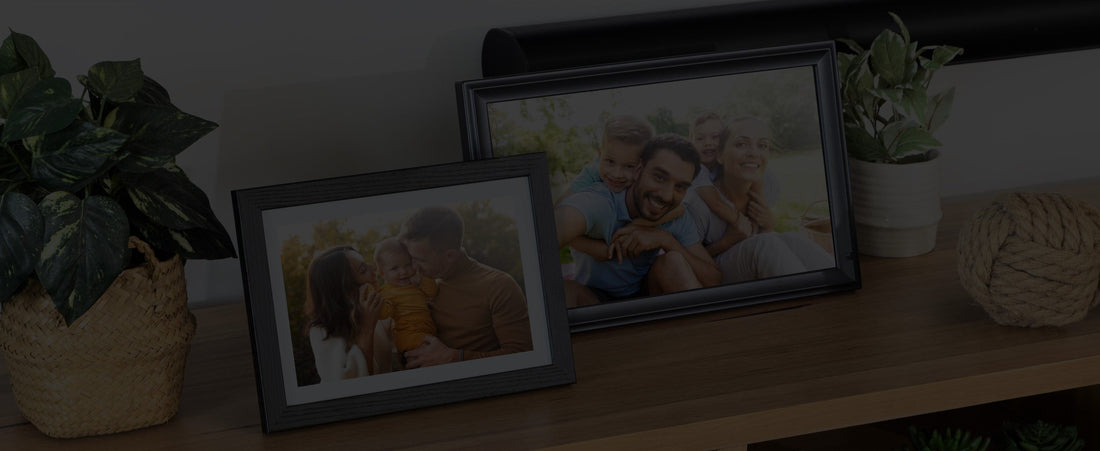
All Frameo digital photo frames purchased from LuvLink.com.au come with the latest Frameo software pre-installed, including the new Albums feature. And we've just expanded our 2025 collection to include even more stunning designs and display sizes!
New 2025 Digital Photo Frames:
- 🖤 10.1" Black Classic
- ⚪ 10.1" White Classic
- 🖤 10.1" Black Modern
- 🖤 15.6" Black Modern
- ⚪ 15.6" White Wood
- 🖤 21.5" Black Classic Premium Display
Plus our existing favourites:
- 🔳 10.1" Black Wood, White Wood & Black LED Frames
- ⚫ 15.6" Black Classic Frame
✨ All models include:
- Fast & FREE delivery across Australia
- No subscriptions or hidden charges
- Beautiful packaging — perfect for gifts
- 1-Year Australian warranty
🎁 Browse the Full Range Here »
🙋 Need Help?
If you run into any issues or have questions about the new Albums feature, we're here for you.
👉 Visit the LuvLink Help Centre or Contact Us
🎁 A More Meaningful Way to Share Memories
The new Albums feature turns your digital photo frame into more than a slideshow—it becomes a curated memory experience, tailored to your life, your family, and your story.
📲 Order your Frameo Digital Photo Frame today from LuvLink Australia and start enjoying the Albums feature right away.
More than a photo frame
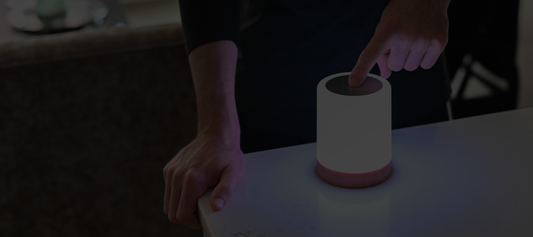
The latest Frameo frames can show your family's schedule as well as your photos. Take a look at the LuvLink Digital Calendar: it auto-syncs Google, Apple, Outlook and Yahoo calendars, with weekly, monthly and hybrid views — no subscription to start. Shop the Digital Calendar →